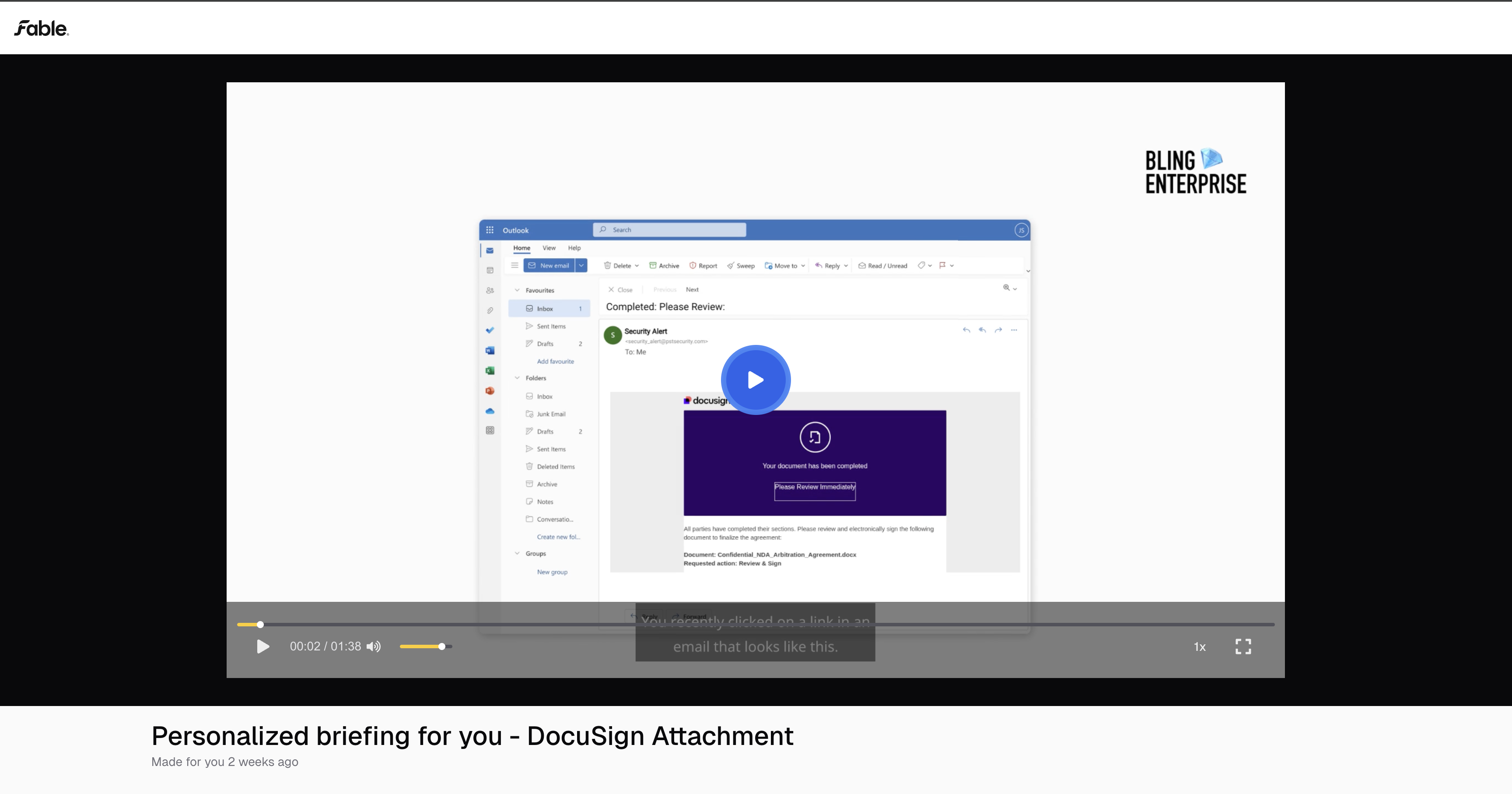
Phishing simulation follow-up training
Last updated: December 18, 2025
After you create a phishing campaign, you can optionally choose to send Fable's AI-personalized phishing training to users who fail a simulation.
Navigate to campaign overview page
Click Edit on Follow-up delivery and toggle on
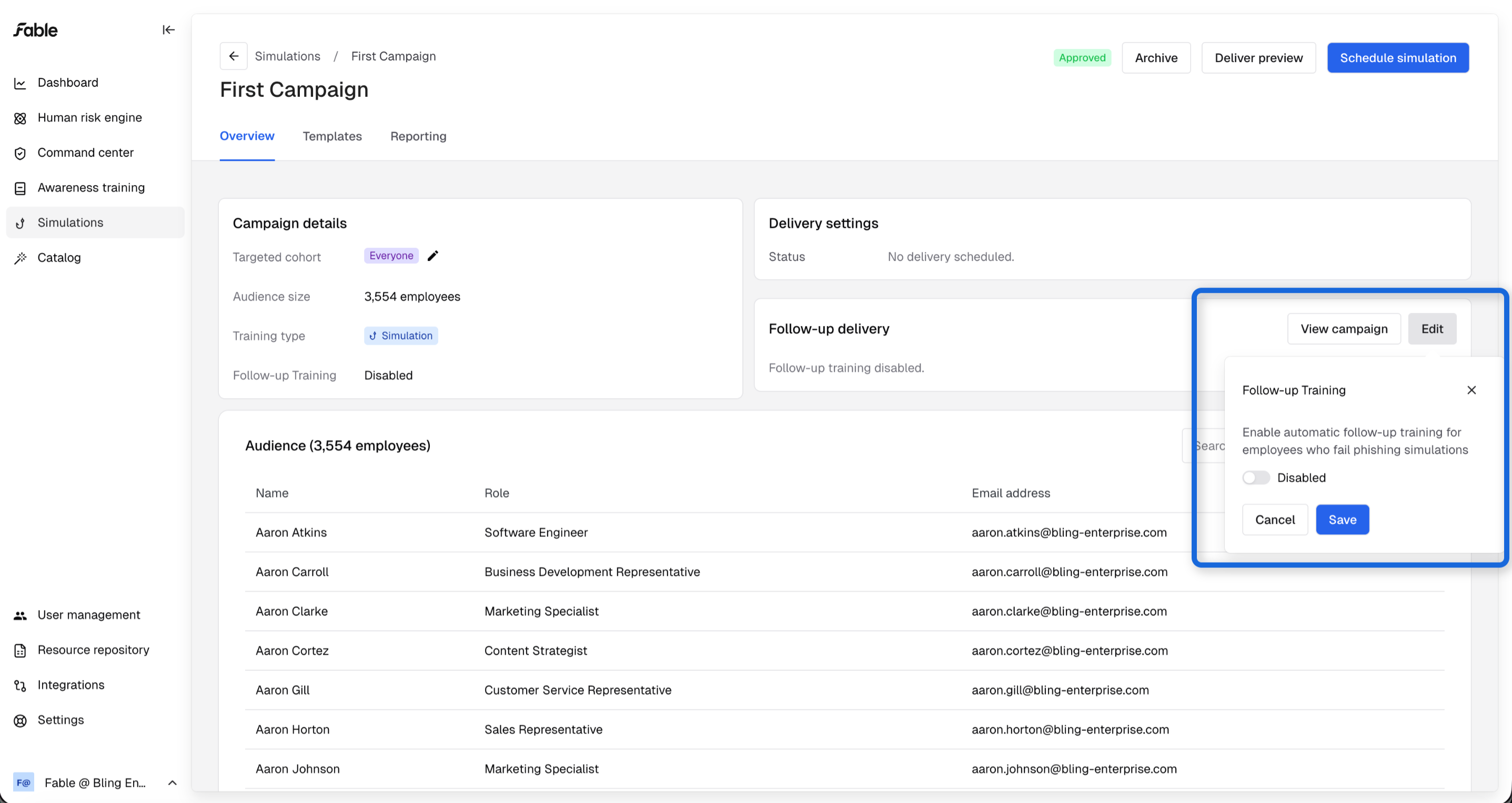
Go to settings if you want to update your delivery channel
Check out our personalized briefings
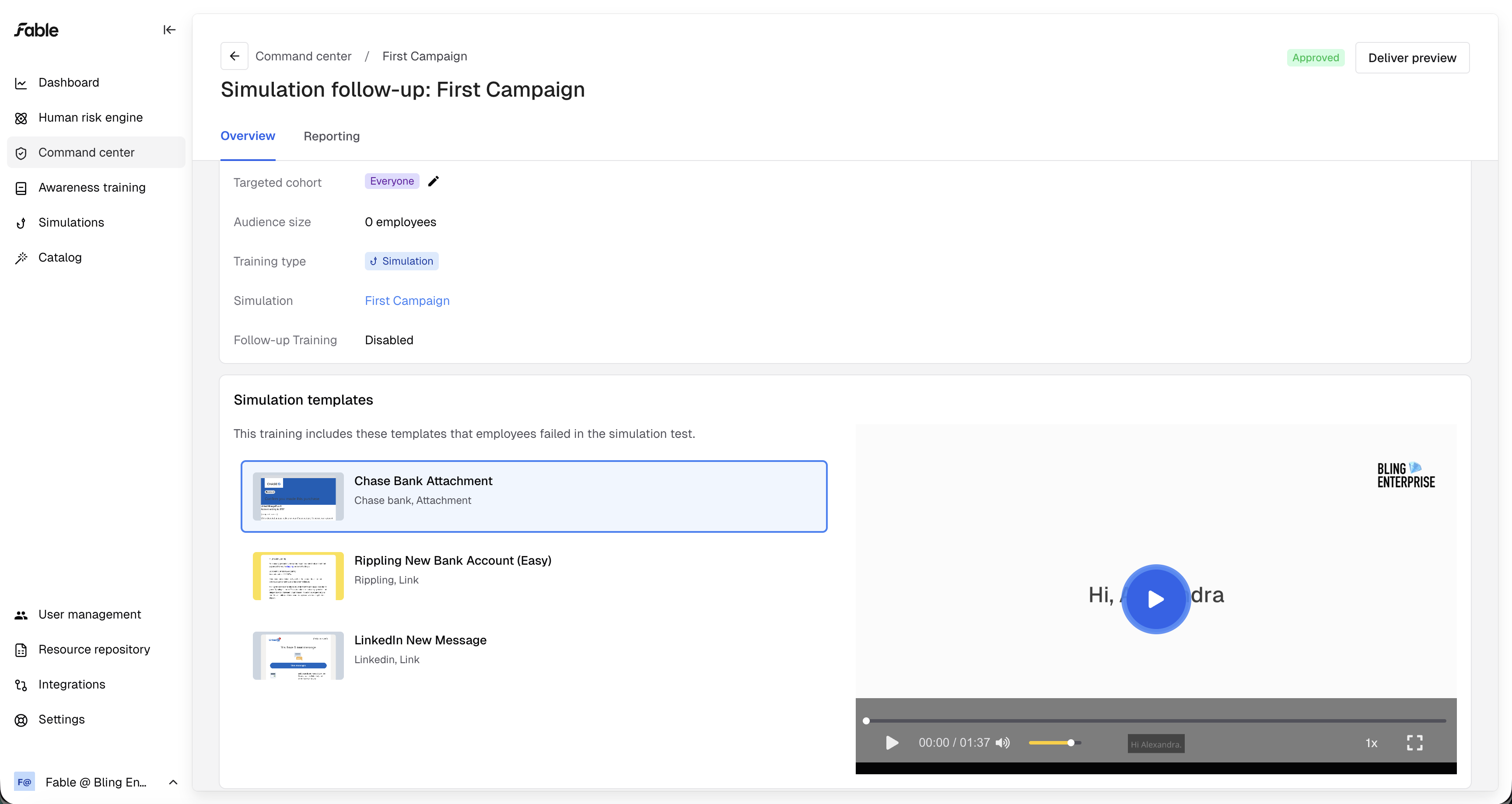
To preview the AI-generated training for employees, click the "View campaign" button in the "Follow-up Delivery" section.
When you enable follow-up training for your campaign, or add a new template to the campaign, we use AI to generate an example of the (personalized) follow-up briefings we send to employees who fail this simulation.
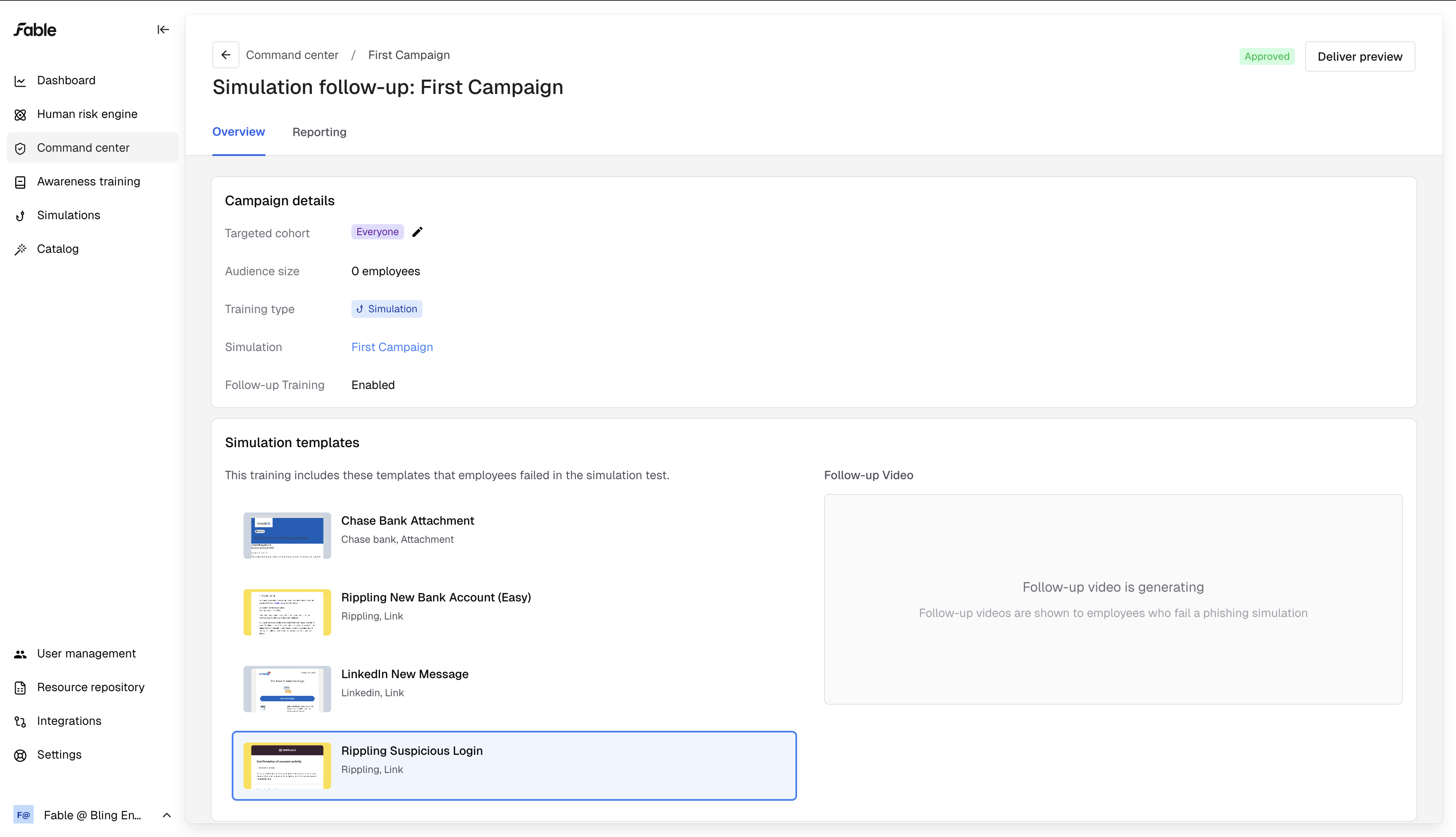
Select a template to view a preview of the follow-up training. If selecting a video displays "Follow-up video is generating", check back in 20 minutes.
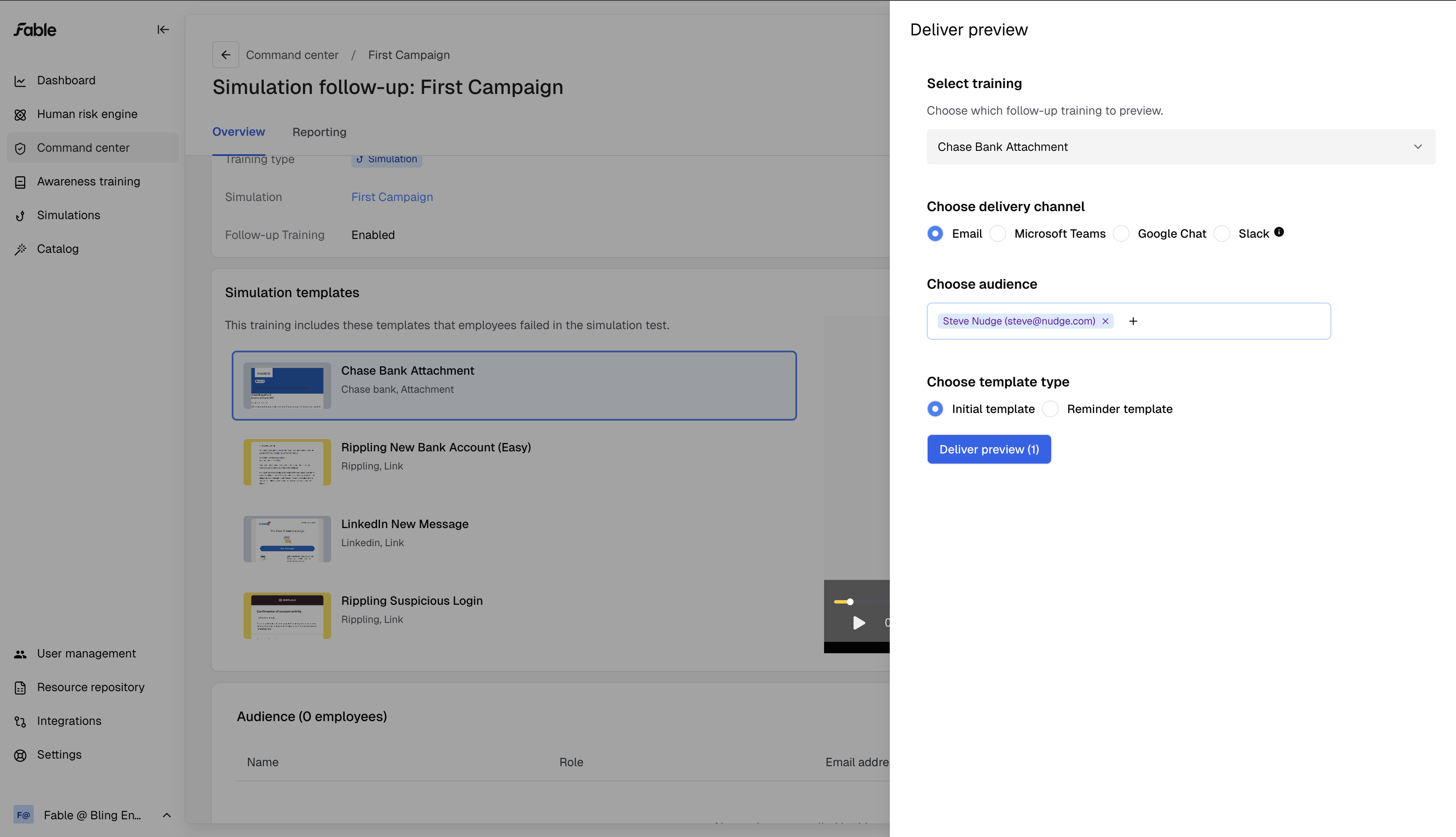
Preview in your inbox
Optionally, click Deliver preview at the top right to send a preview to your inbox. Allow up to 20 minutes for the AI-personalized video to generate and deliver.
Click on the email that arrives and you will be taken to your personalized briefing, explaining the mistake you made (or would have, if you really failed the training) and how you can learn from it.