Create a briefing
Last updated: February 23, 2026
From the catalog
Navigate to the briefing in the catalog page and search for the briefing you want to create.
Click on the briefing to watch the video and review the script before creating one.
Click Create briefing.
After that, click View briefing.
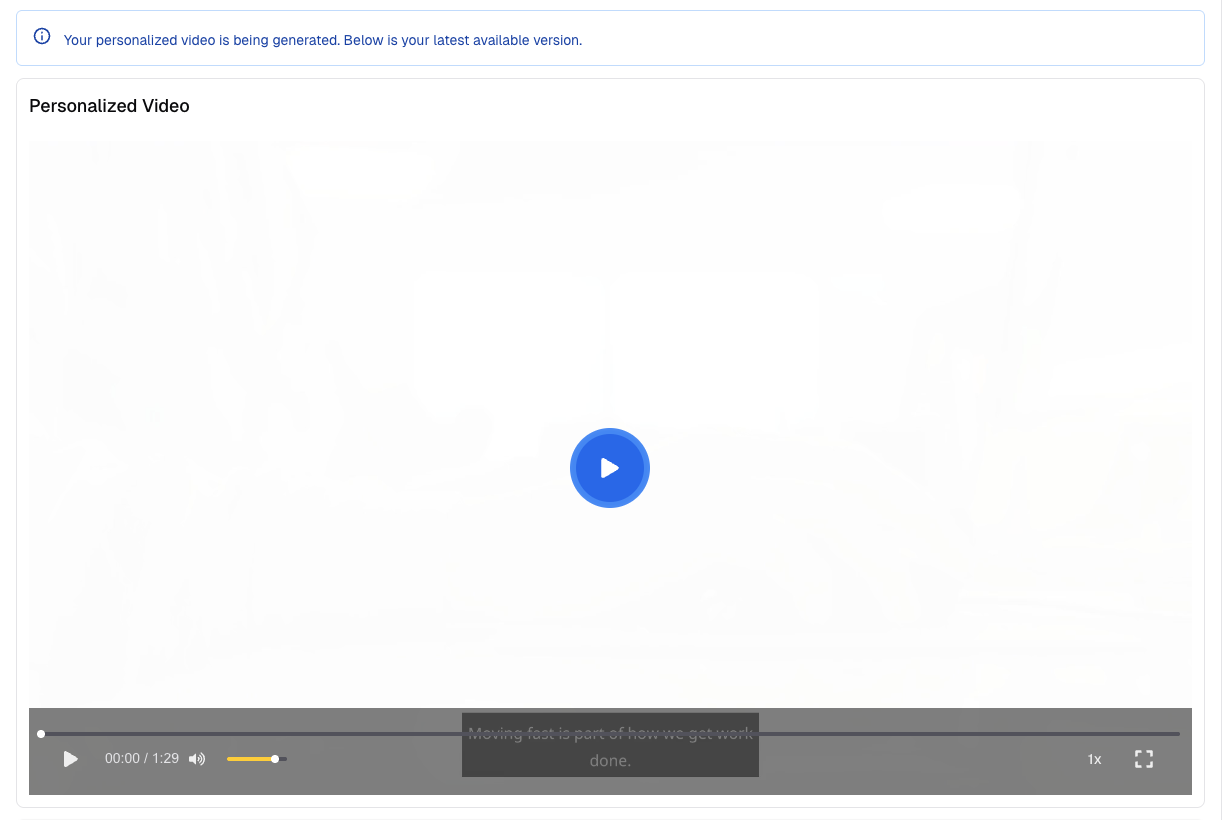
When a briefing is created, the first video visible is a non-personalized version. It can take 20 minutes to 1 hour to see the personalized version created.
From the Command center
To create a briefing, click Create briefing located at the top right of the Command center page.
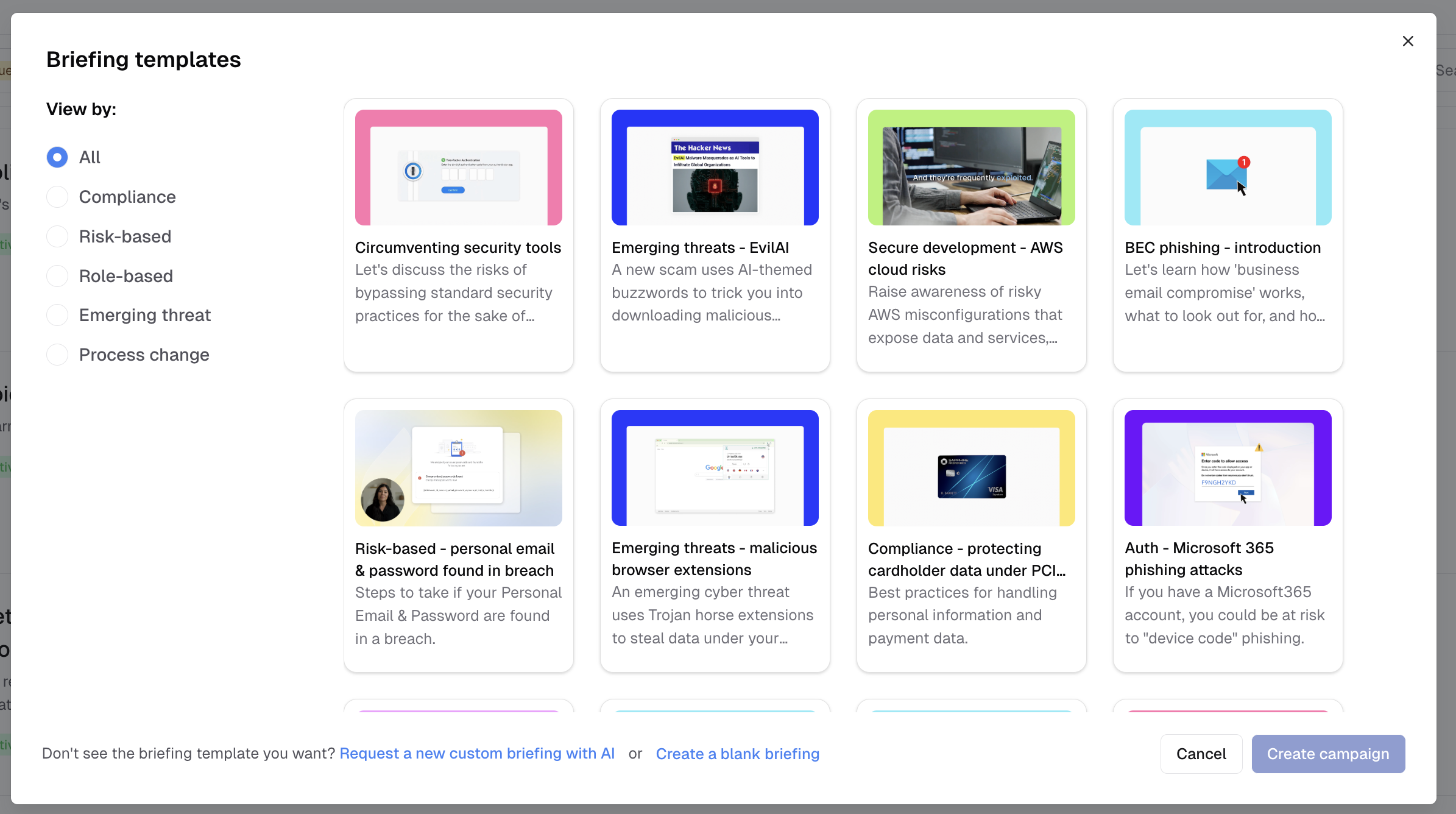
A modal window will open displaying all available briefings from the catalog. Select a briefing and click Create campaign. You will then see a review modal where you can confirm by clicking Create campaign again. The newly created briefing will appear at the top of the Command center.
At the bottom of the modal, you have options to either request a new briefing generated by AI or create a blank briefing. The blank briefing allows you to upload your own script, images, and videos.