Phishing simulation settings
Last updated: December 18, 2025
Configuring your phish report button
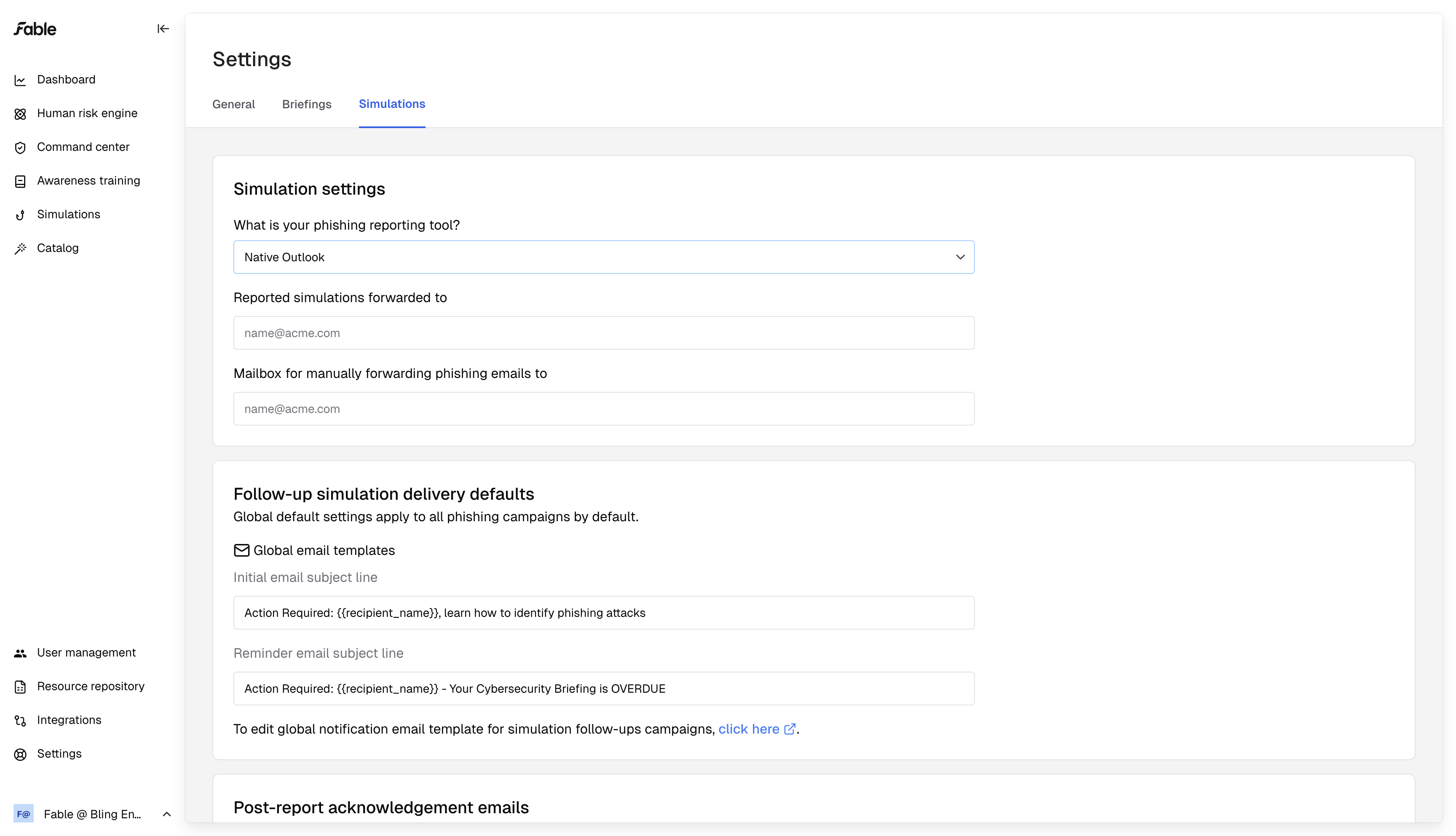
Fable looks at email metadata from your internal phish report inbox, so we can determine your employees' successful reporting rate of our phishing simulations.
We can work with any phish report system, whether you use a native phish report button, an email security provider's button, or tell your employees to forward phishing emails to a security@ inbox.
To configure this integration, you direct these reported phishing emails to 1 inbox, and record that email address in our Settings>Simulations page:
Follow-up training
When employees fail a phishing simulation, you can optionally send an automated Fable briefing, personalized to the employee and the scenario they failed, explaining what went wrong and what they can look out for in the future.
Use the Settings page to set:
Channel for your briefings (email, slack or google chat)
Subject lines and email/message bodies for these follow-ups
Ideal delivery windows
Sender email address for these briefings
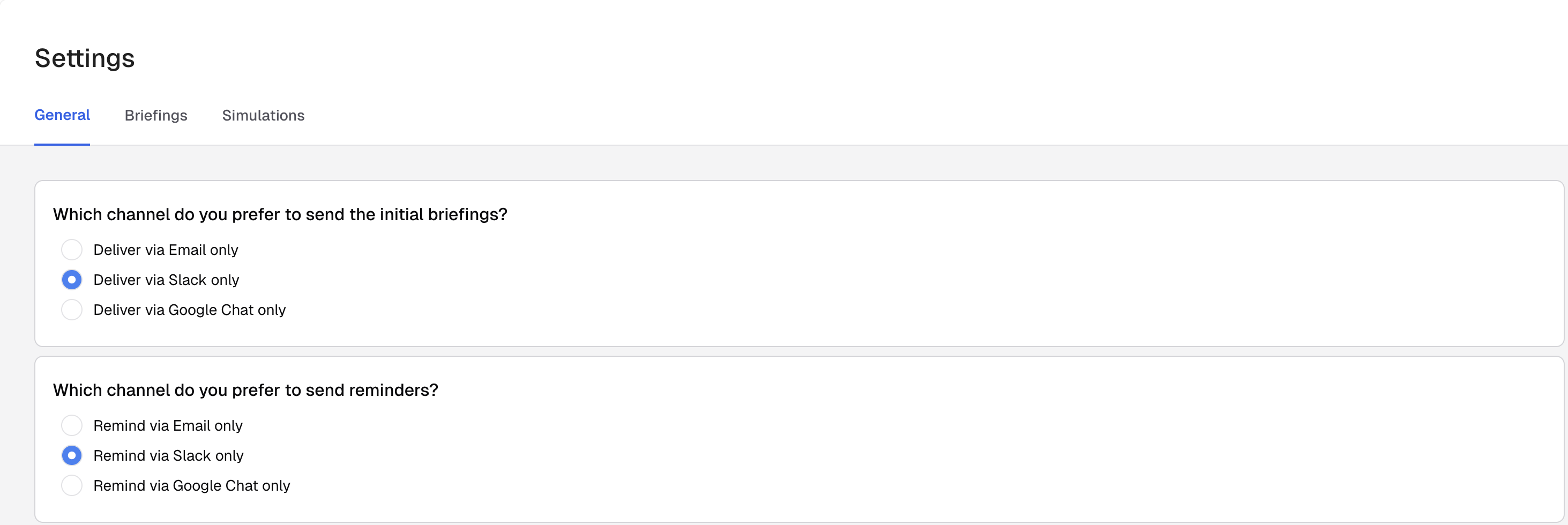
Under Settings>General, you can choose your delivery method for follow-up trainings.
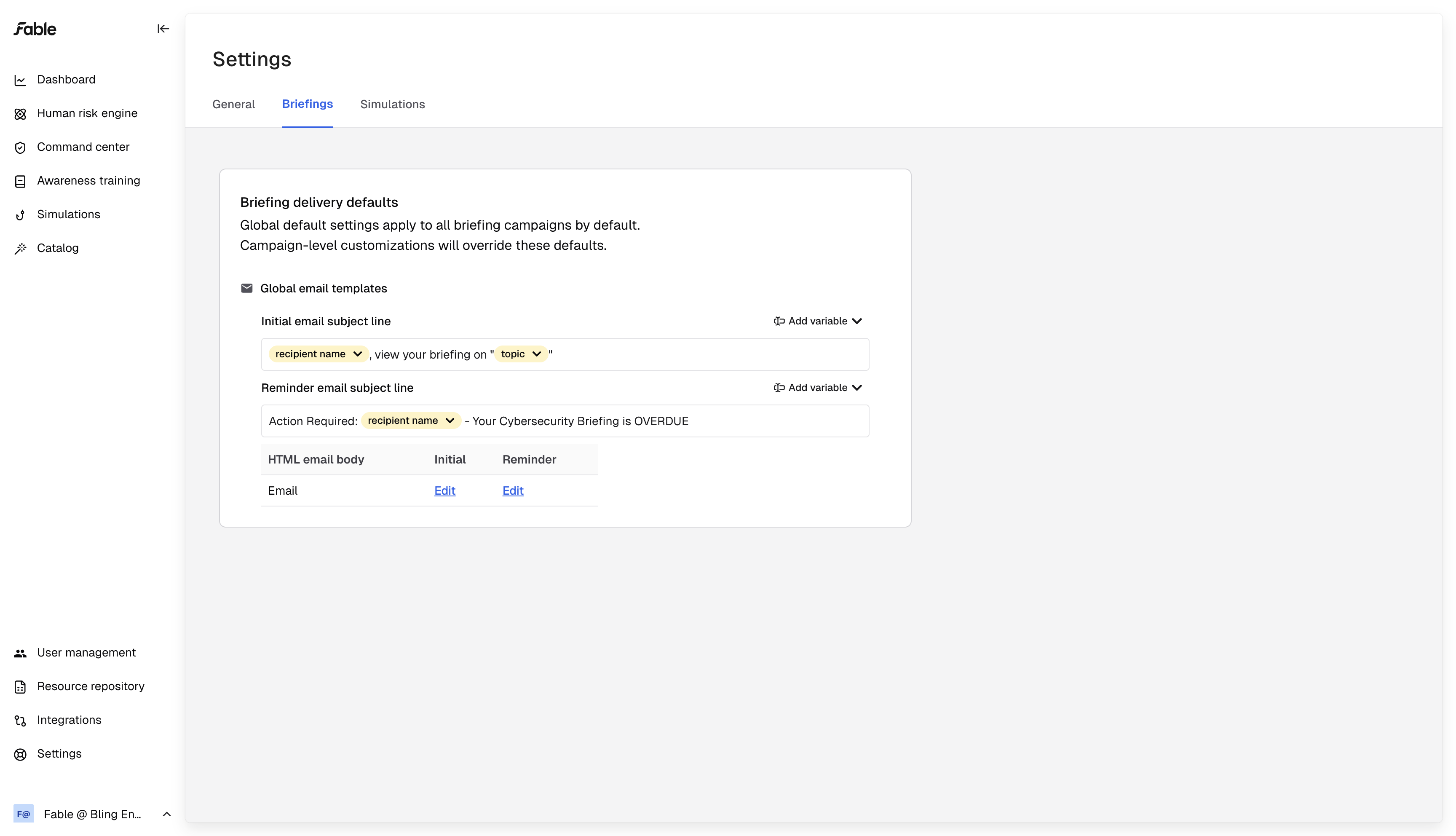
Optionally, go to Settings>Briefings to write your own email templates for follow-up trainings for employees who fail phishing simulations, and for reminder emails you can send them.
Acknowledging successful employee reporting
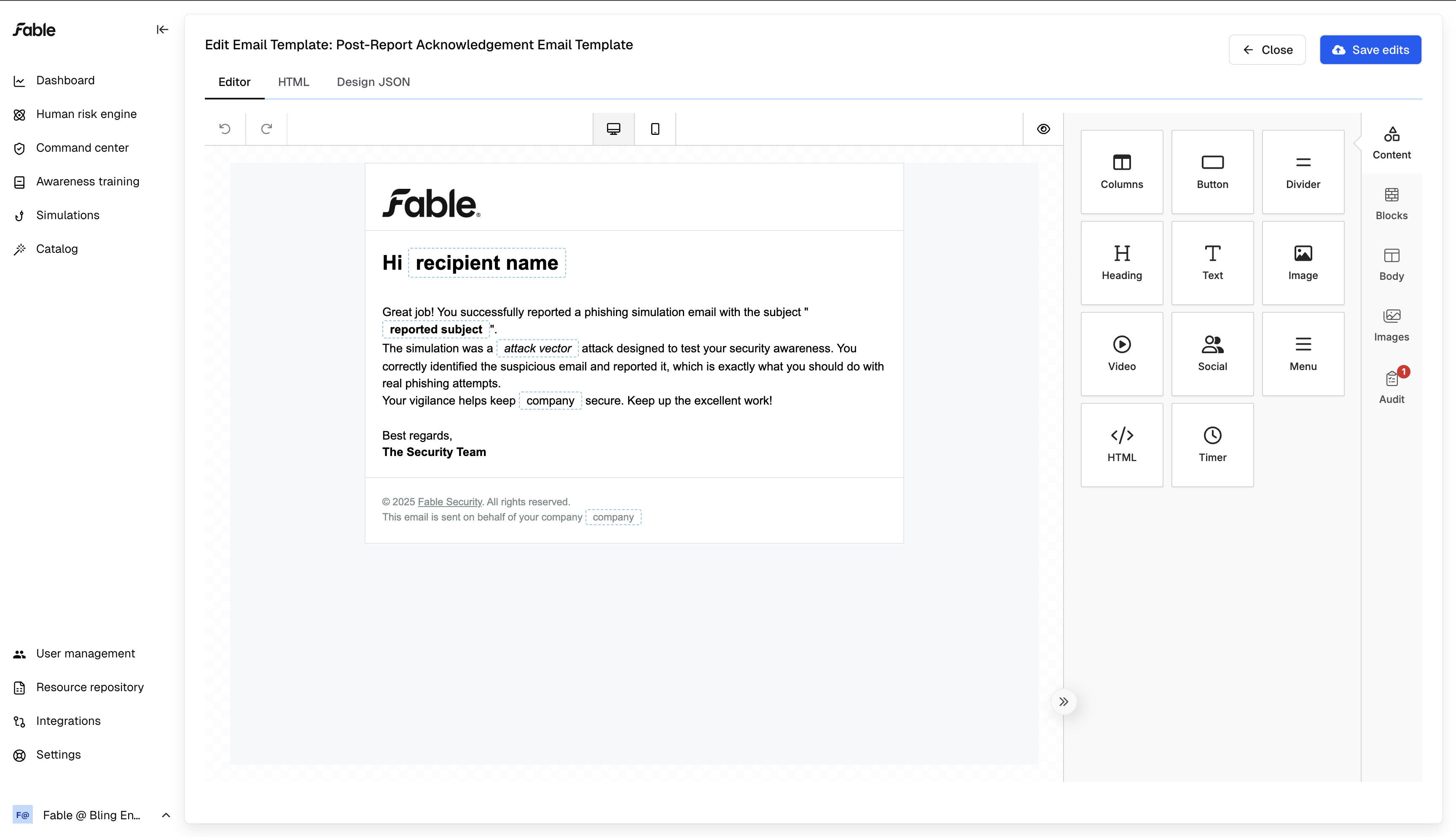
Optionally send a "post-report acknowledgement email" to congratulate employees on spotting our phishing simulations:
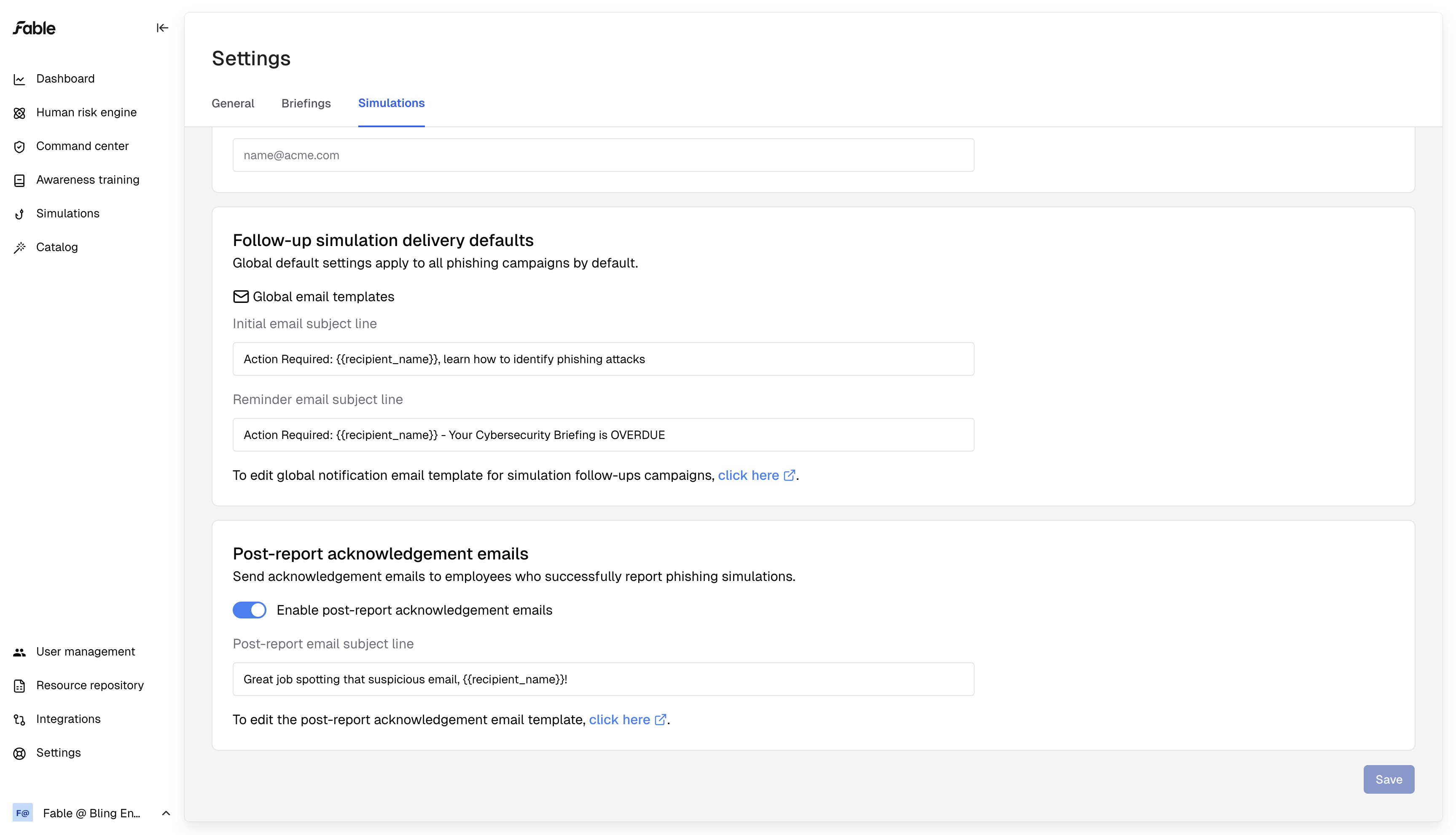
You can create a custom congratulatory email template using our email editor: