Creating a custom phishing template
Last updated: February 23, 2026
Create a template
To create your first campaign,
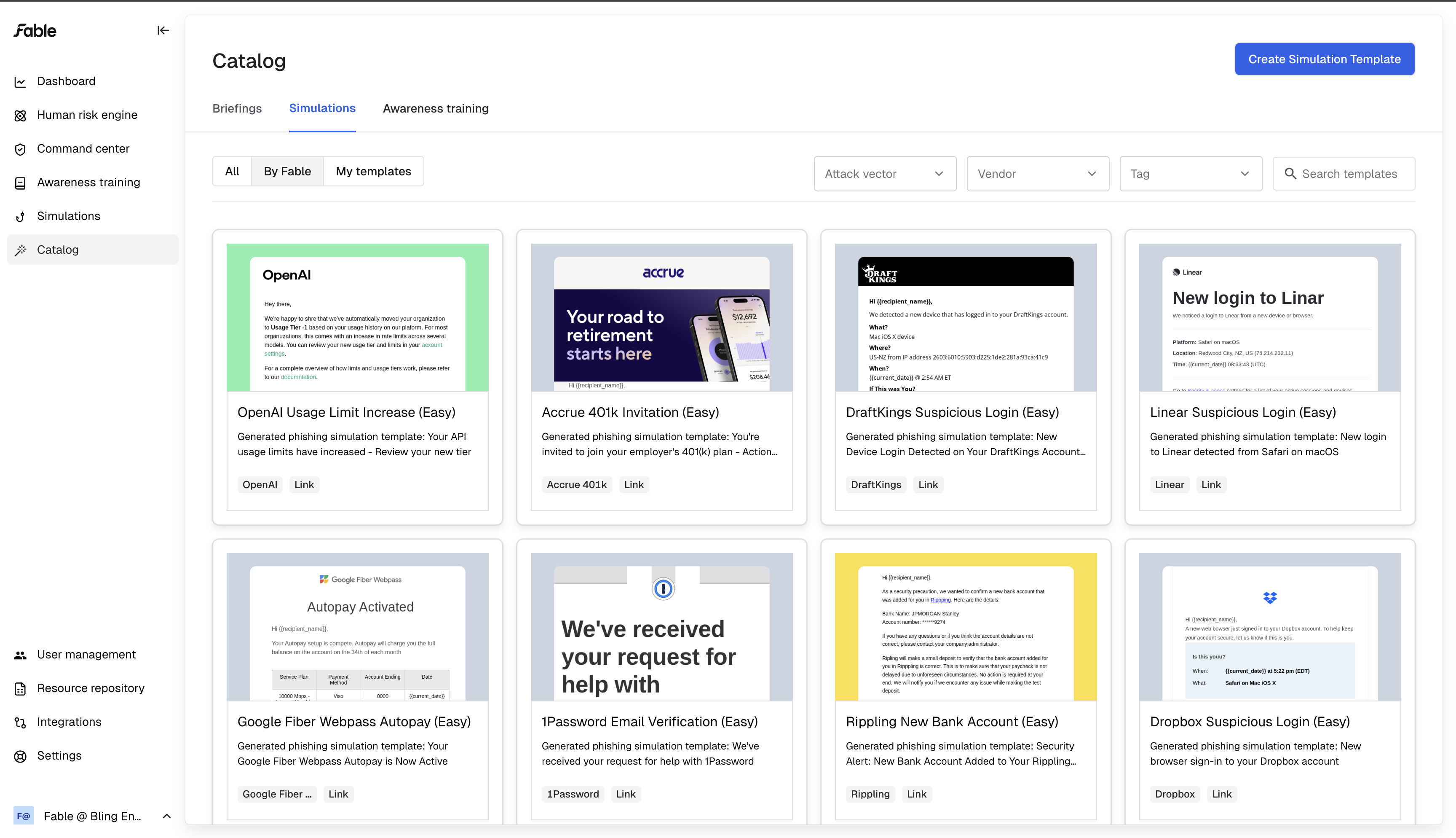
Navigate to the Catalog module on the left-hand side menu
Choose Simulations on the top catalog menu
Click "Create Simulation Template"
BEC phishing
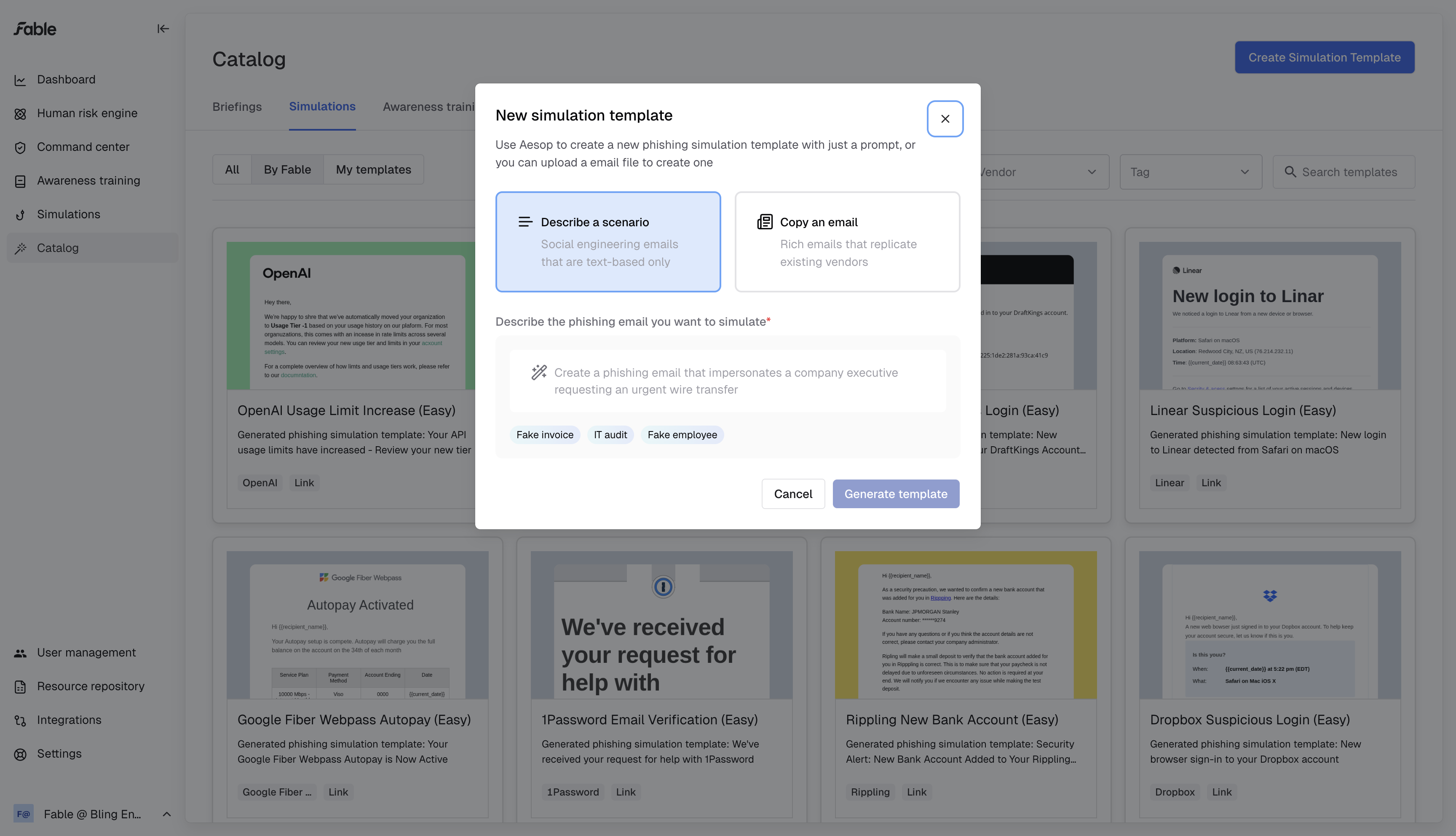
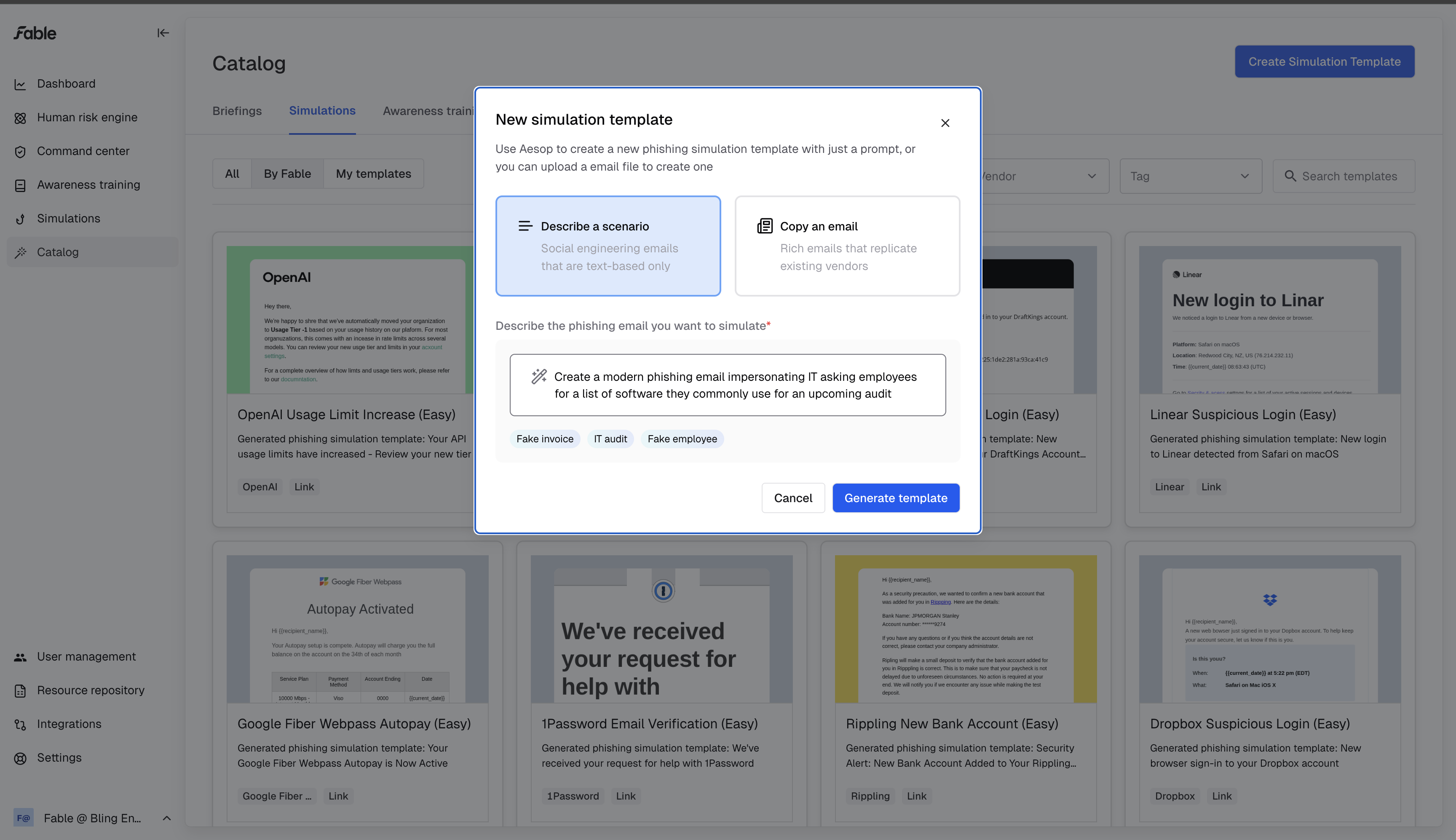
You can choose to describe a scenario, using AI to create a phishing template from scratch based on your instruction.
Vendor impersonation
Or you can spoof an existing email (phishing or legitimate) using our email-copying AI workflow.
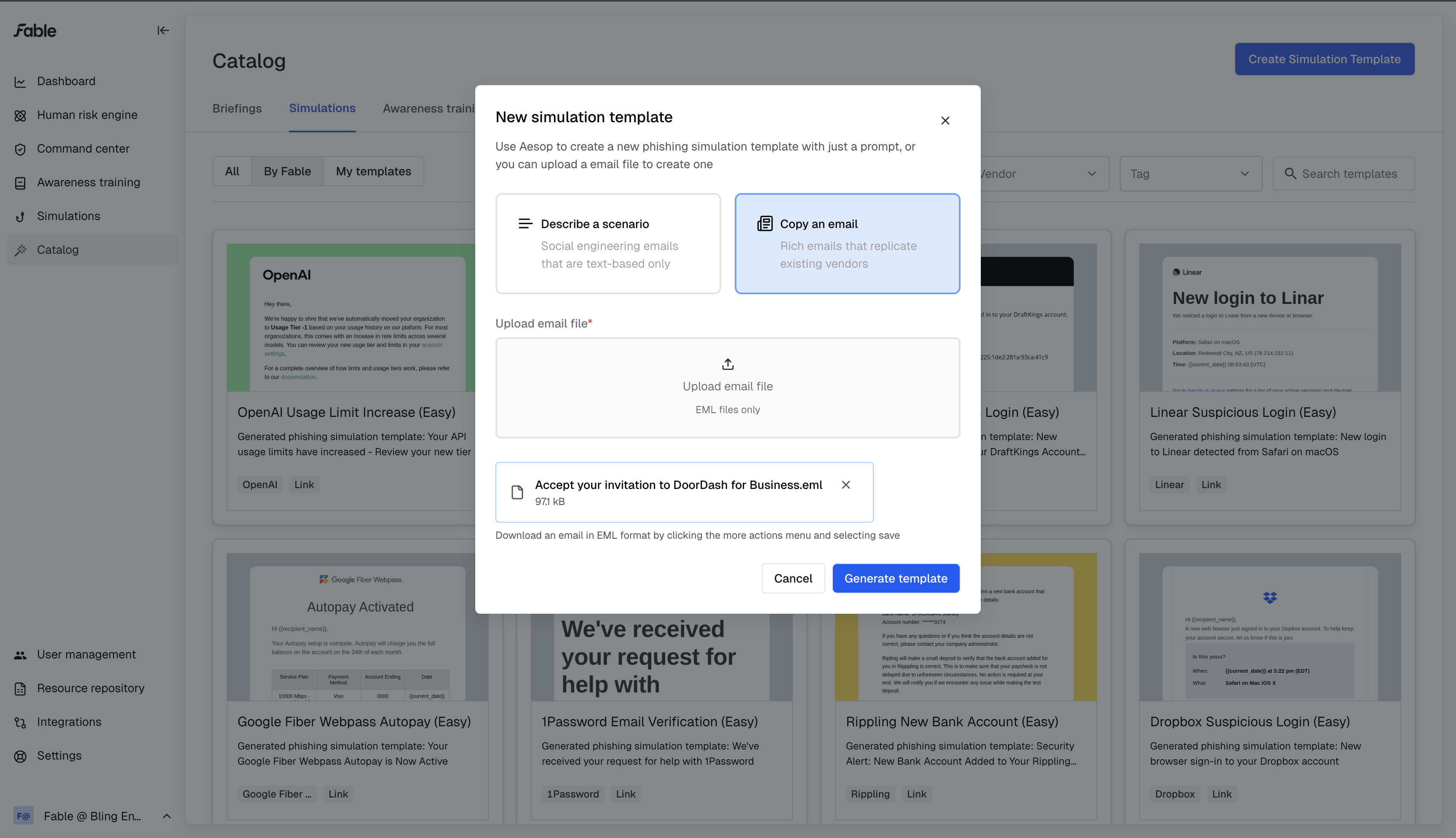
Click "Upload email file" to choose from the files you have downloaded.
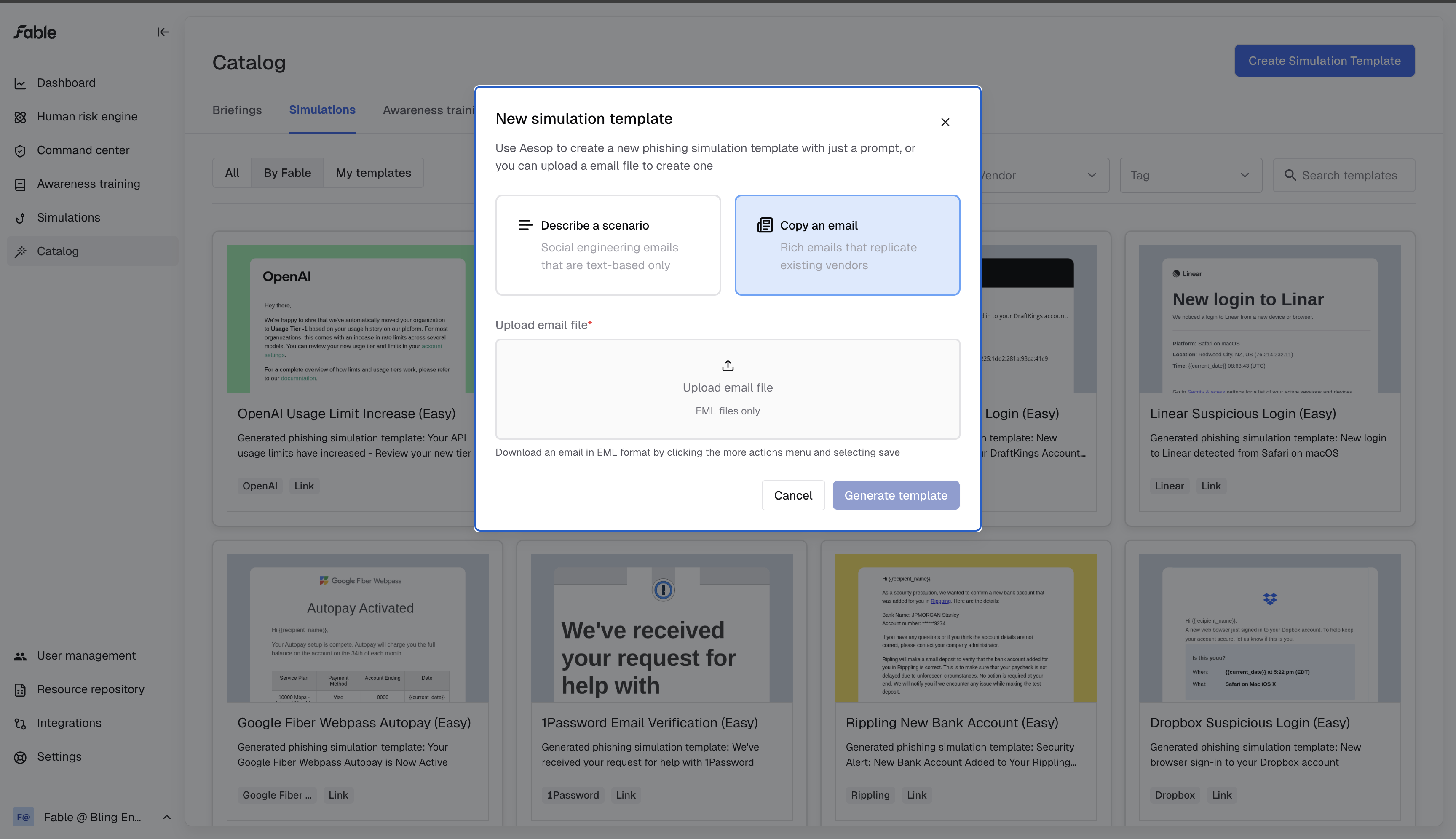
Make sure to choose an eml file that contains valid html - these tend to be marketing emails, and not a plain-text email you would send to a coworker.
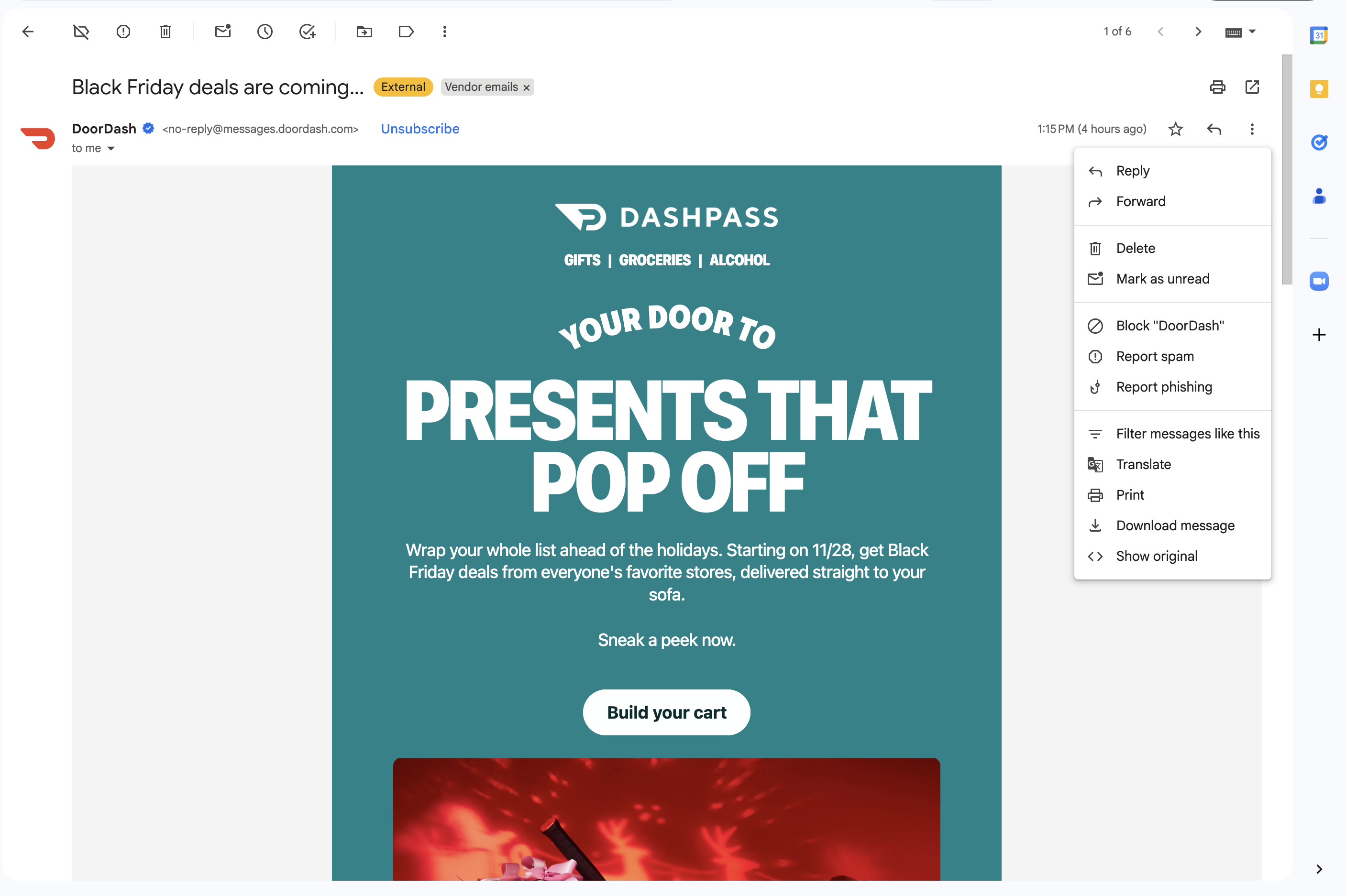
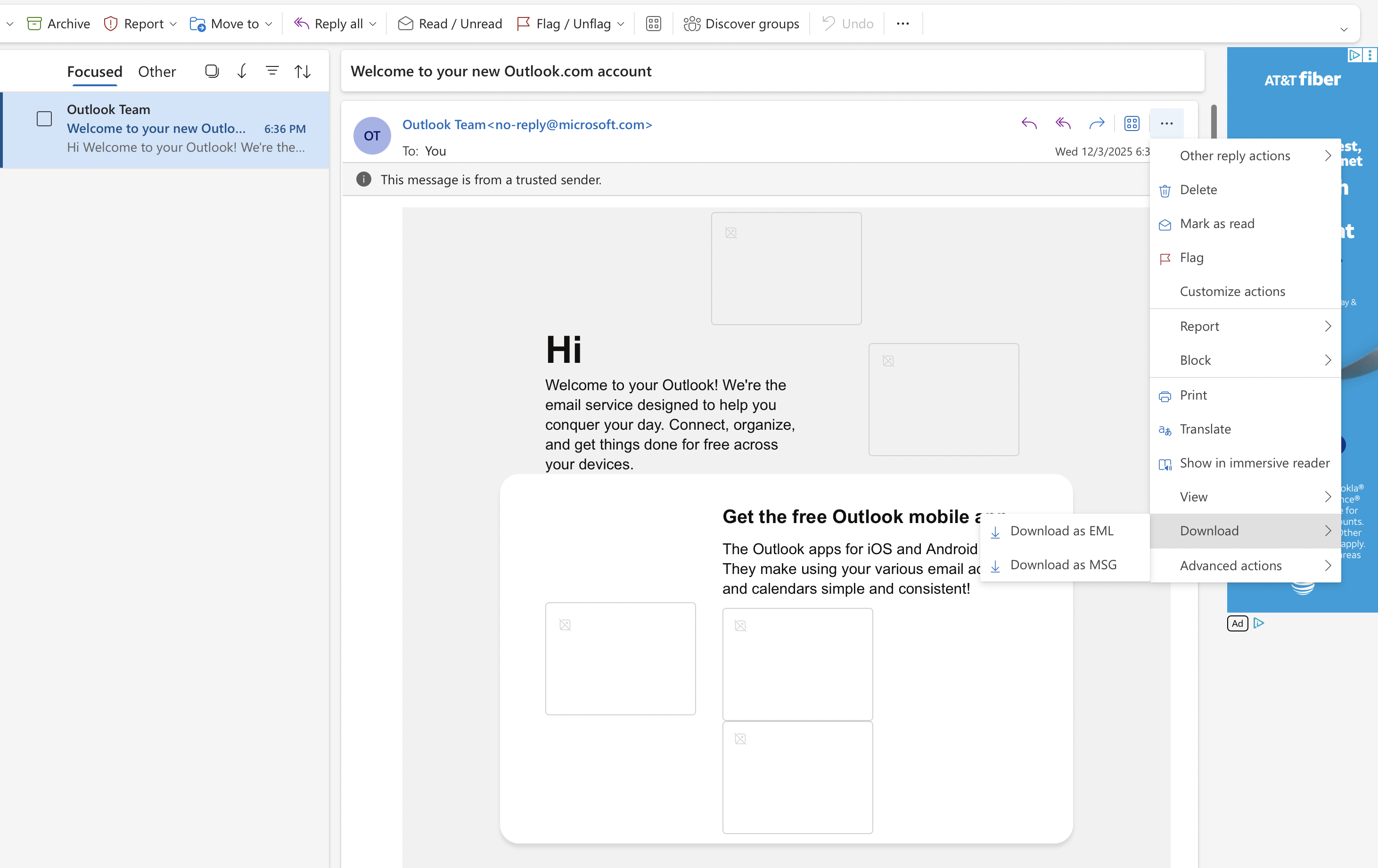
You can download these eml files in your email client:
Upload your .eml file to our "Copy an email" generator.
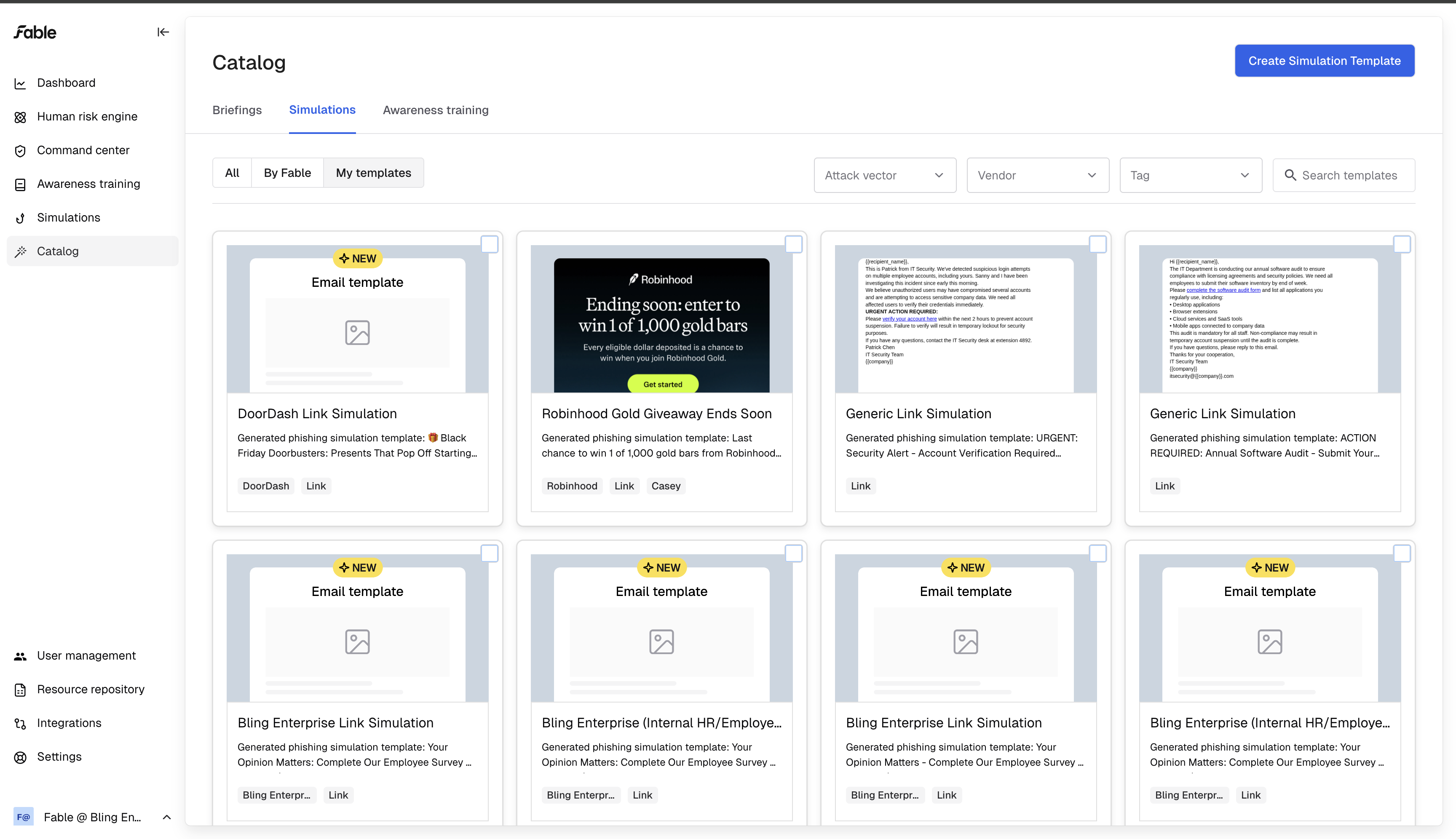
In a few minutes, your template will appear in the simulations catalog under "My templates."
It will be a link click template, complete with (harmless) phishing links.
Editing a template
Click into the template to see details and to edit your phishing simulation scenario.
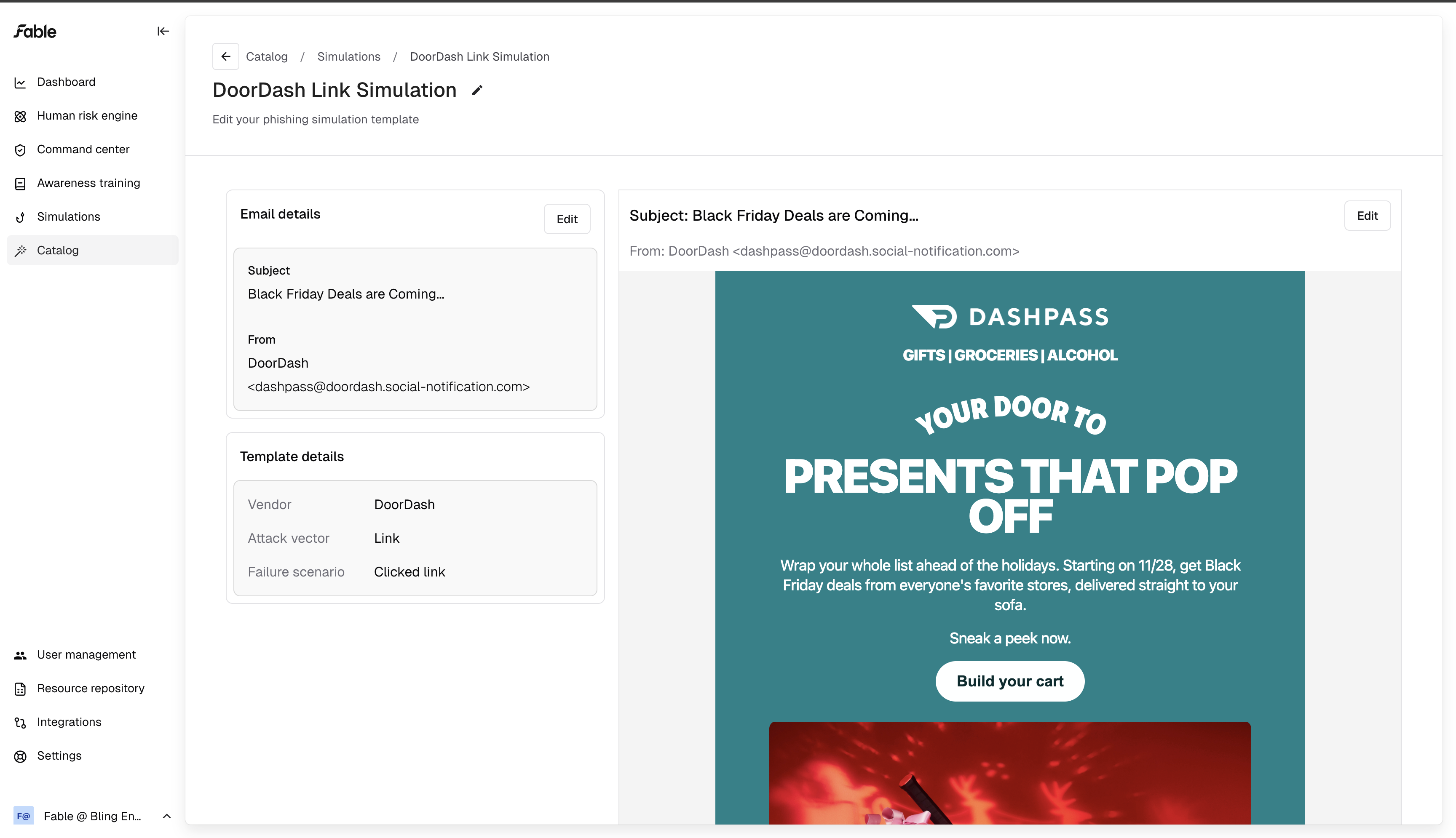
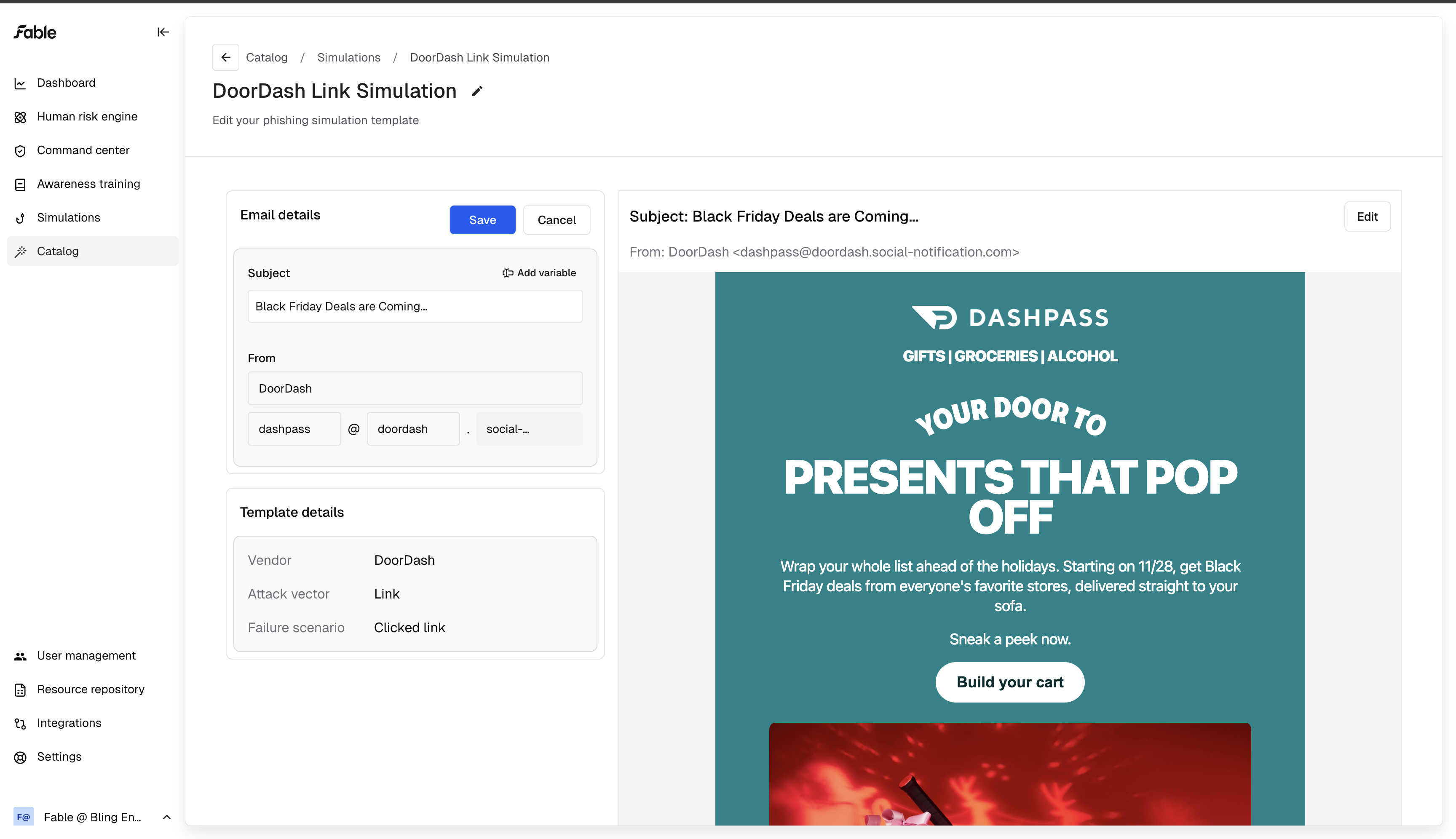
You can edit the subject line, the display name for the sender, and the sender's email address.
You can choose from our dropdown of available domains, and optionally write your own subdomain.
You can also edit the email - we use the same email editor that marketers use to create marketing materials!
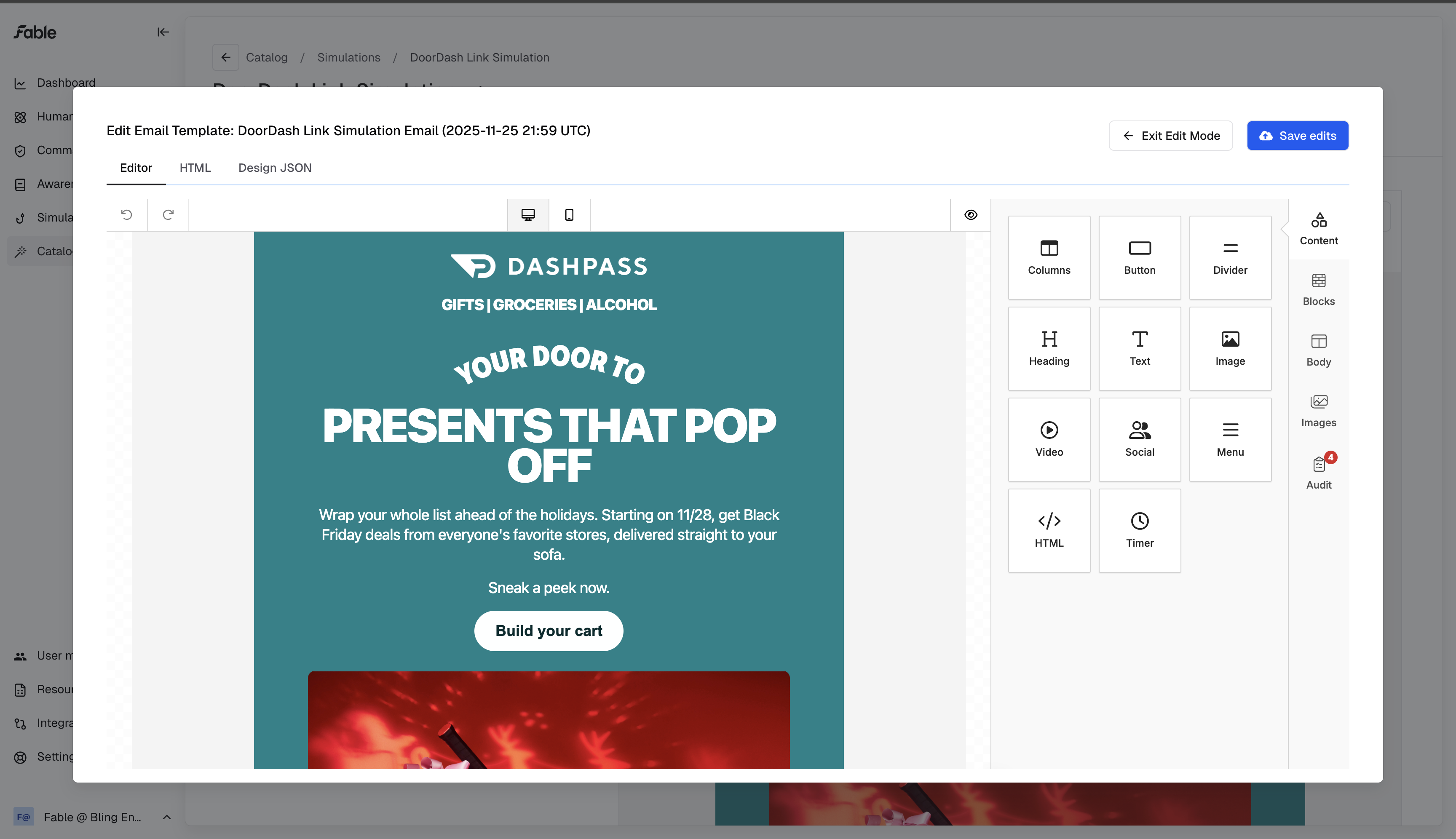
Make sure to save your edits! Once you finish creating your template, you can add it to a phishing simulation campaign and start training your coworkers.