Creating targeted phishing campaigns
Last updated: February 23, 2026
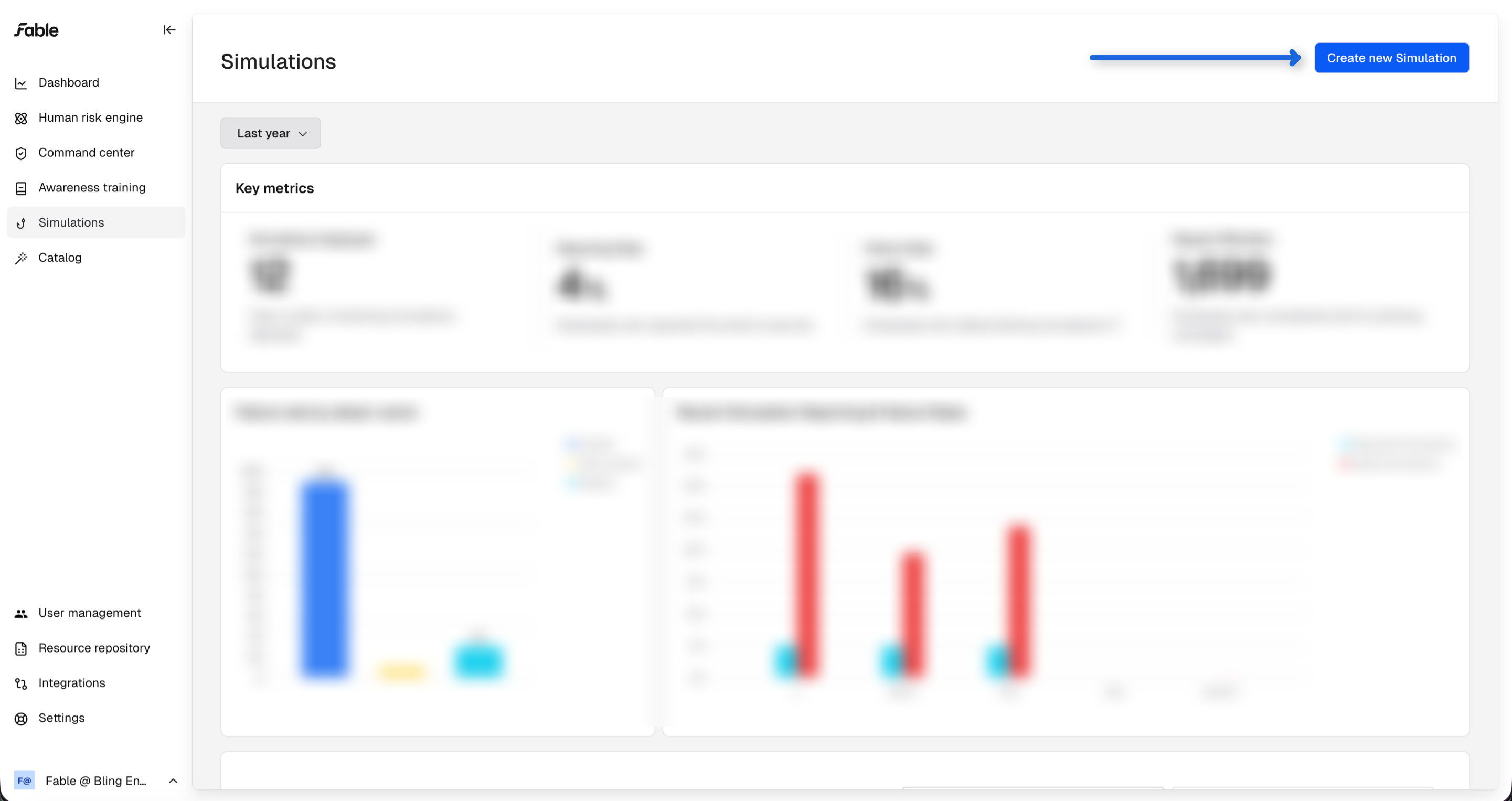
Navigate to the Simulations module with the left-hand side menu
Click "Create new Simulation"
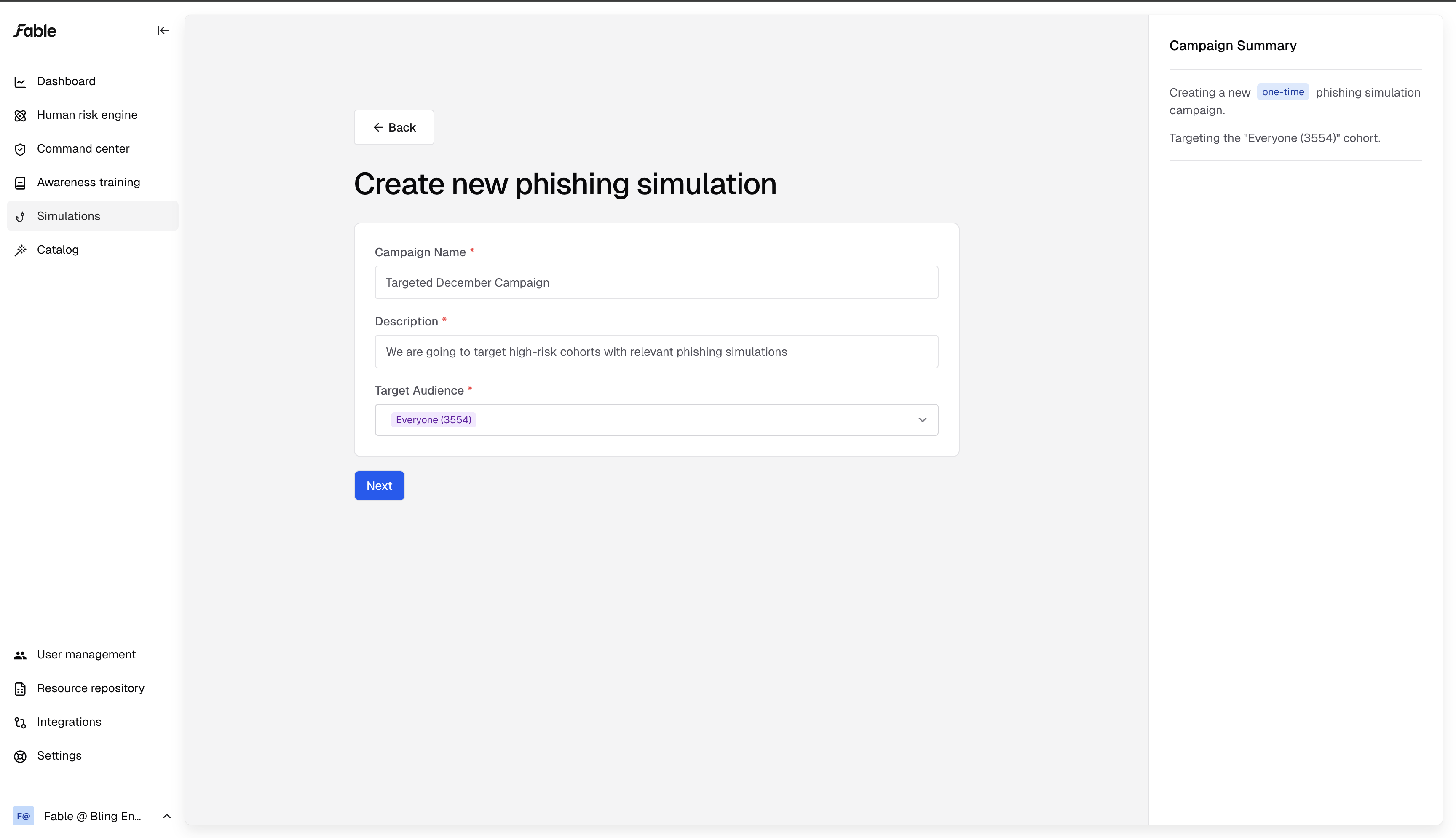
Then, enter a name, description, and audience for your campaign.
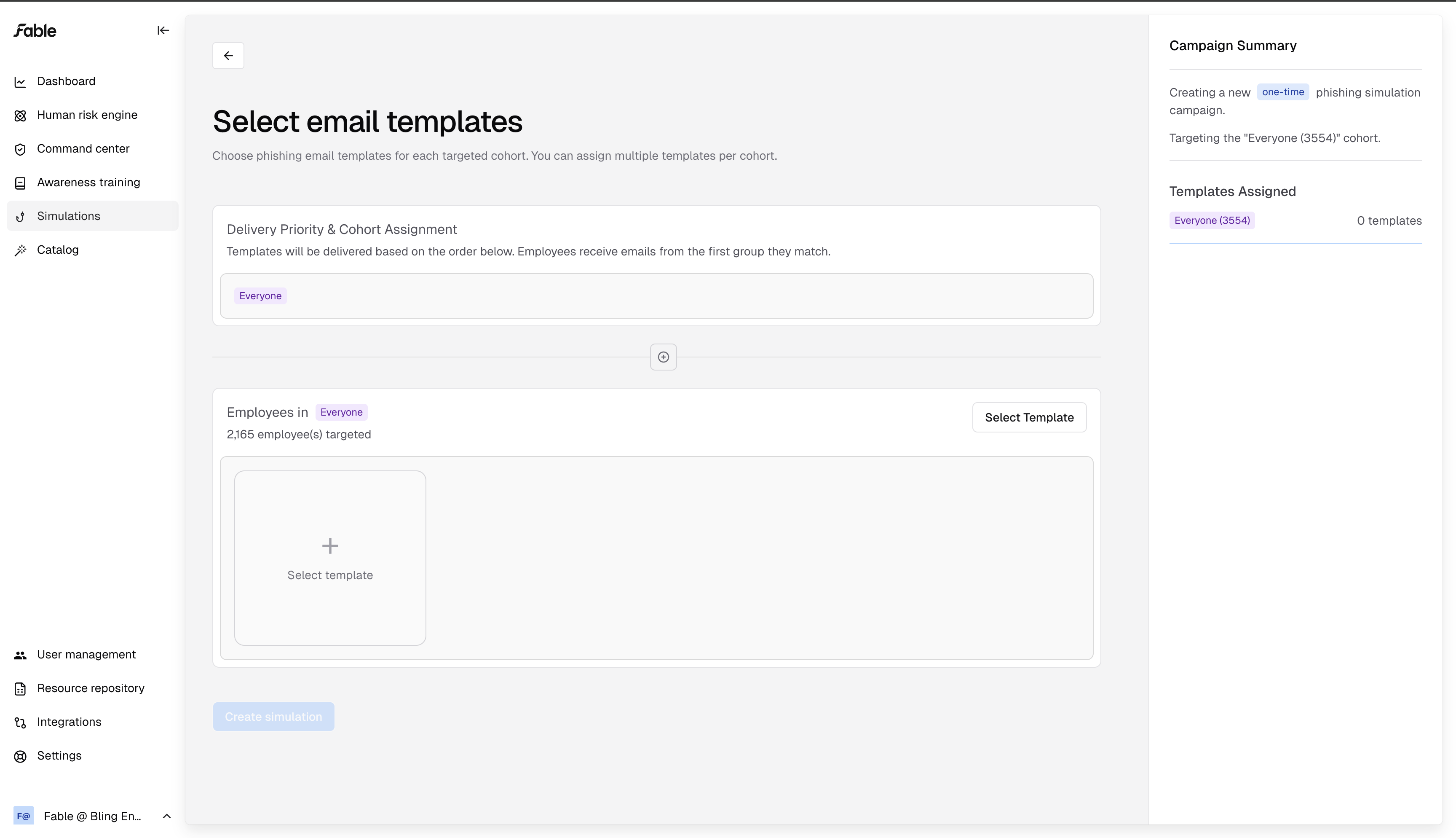
Targeting by cohort
On the campaign creation page, click the plus button to target an additional employee cohort, instead of sending the same templates to every employee.
Create cohorts based on the employee risk data Fable generates. Once you have integrations set up, we will create cohorts based on data points like which employees don't have google MFA enforced, or who has been uploading files to AI services. You can also create custom cohorts on our "Human risk engine" page.
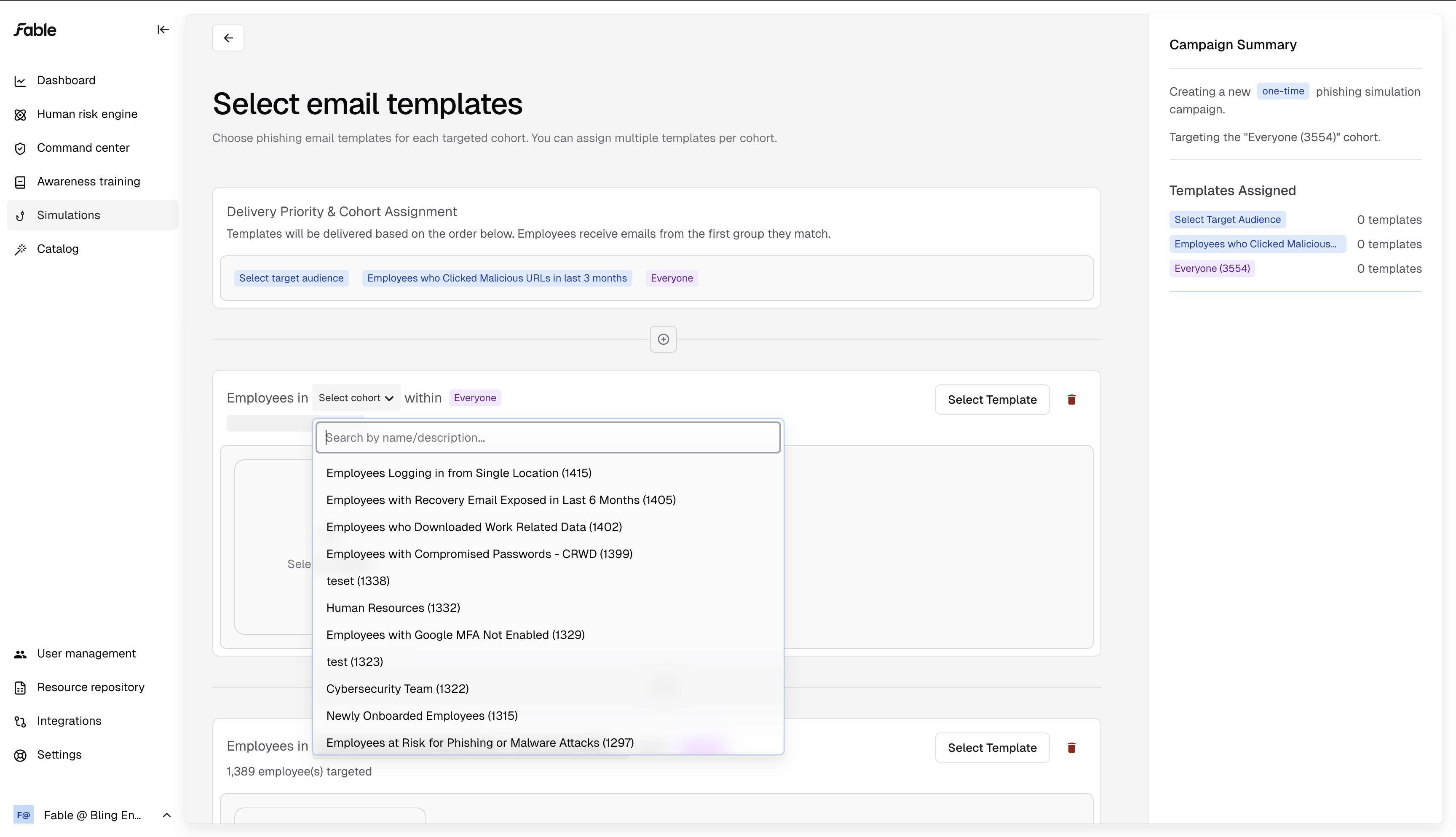
You can create as many cohorts as you want within a campaign. The cohorts are ranked, and each employee will only receive simulations for the top cohort on this page that includes them.
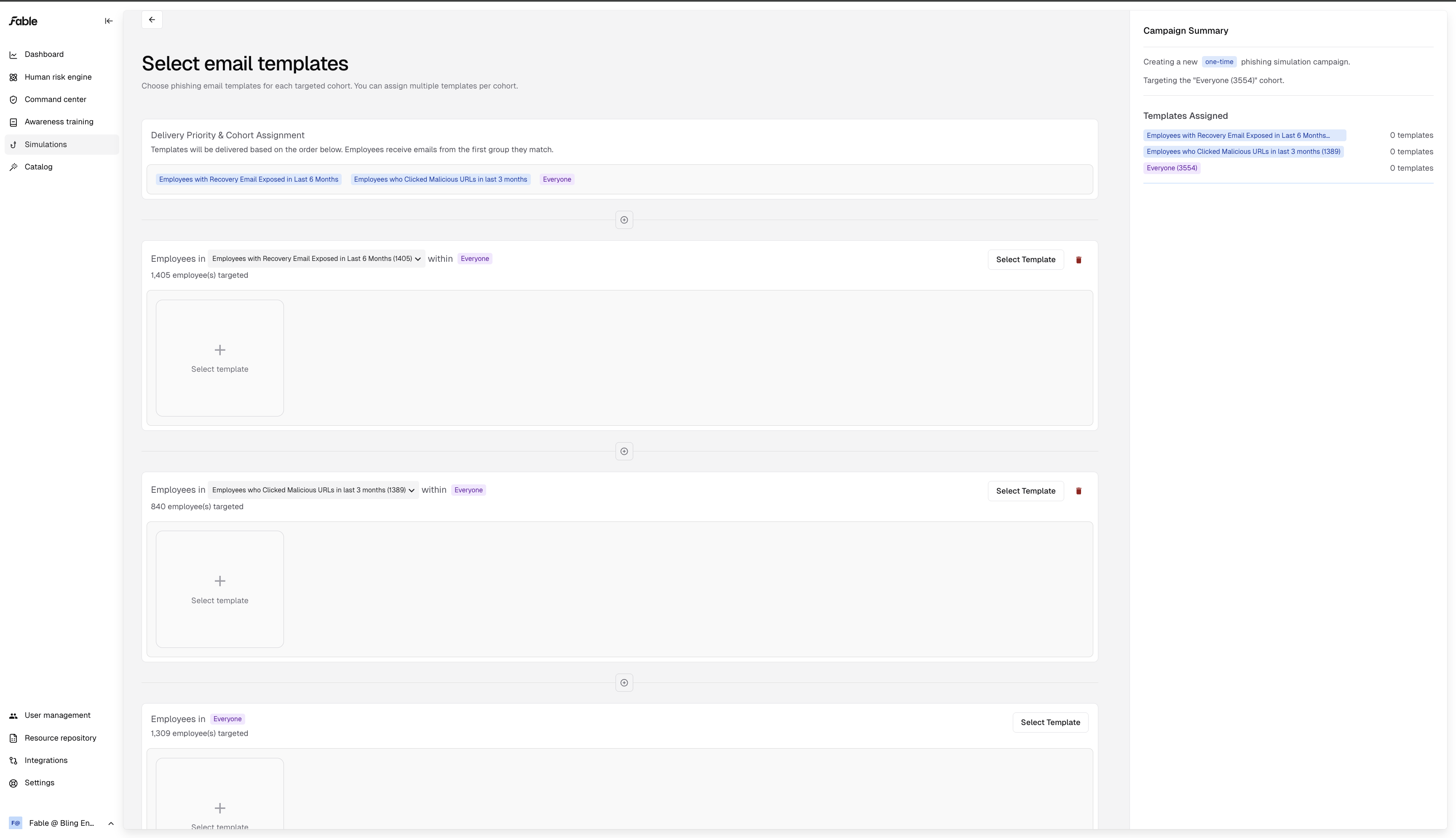
Choosing phishing scenarios
Select a few templates you'd like to utilize for each cohort in the campaign. You can find phishing scenarios that align with each employee group's unique risks.
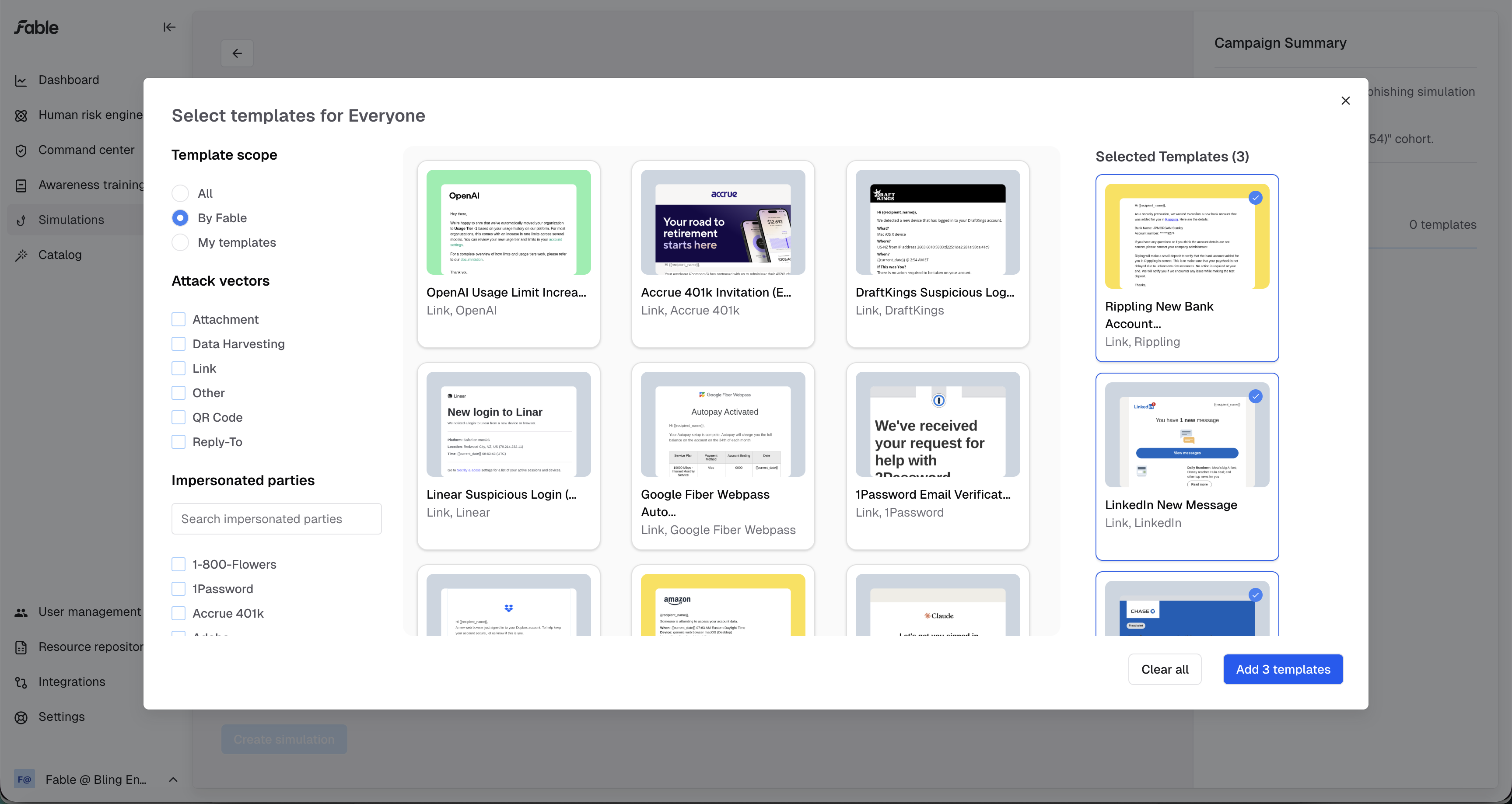
After choosing your scenarios, make sure to click "Add x templates"
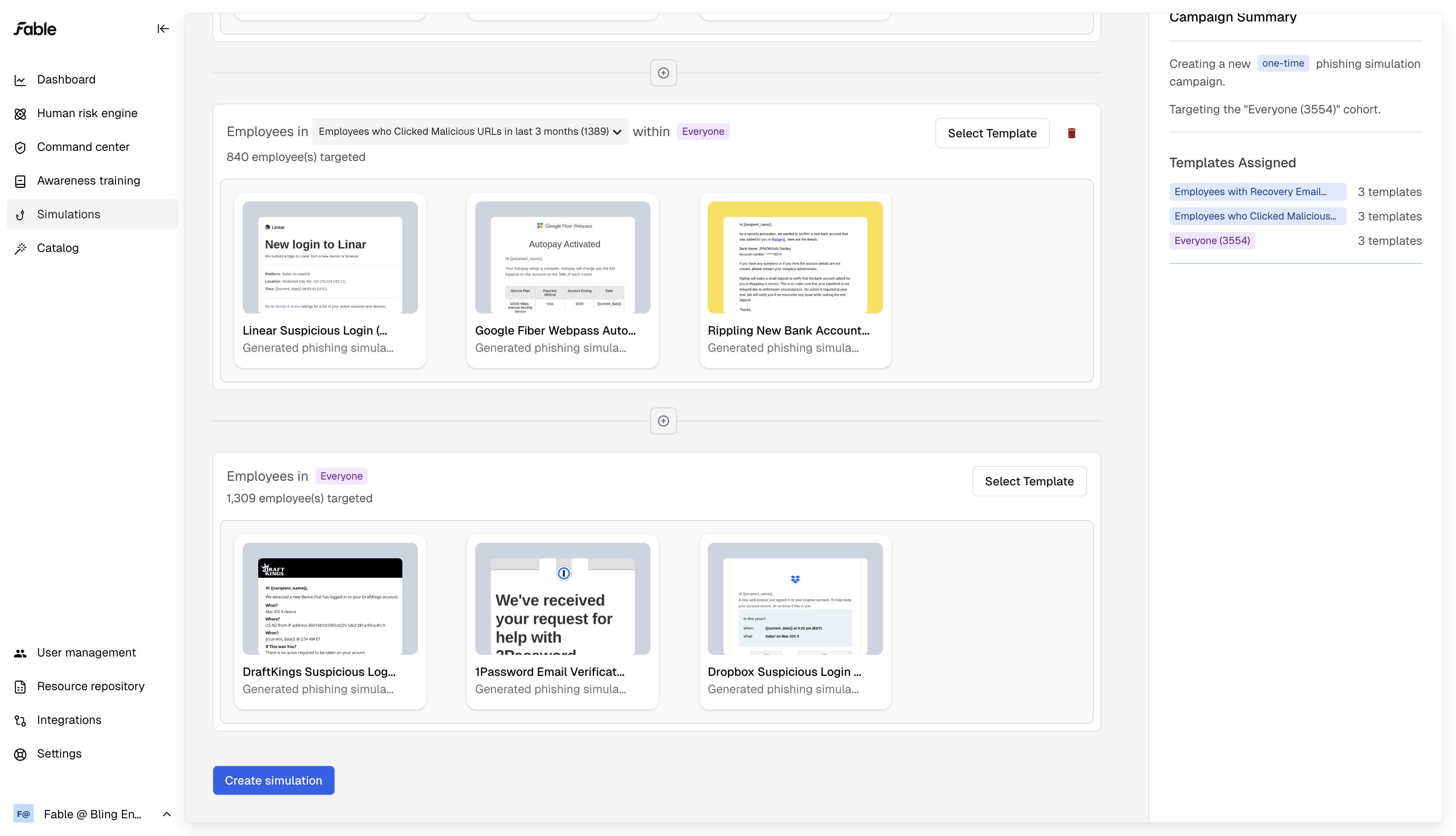
After adding templates, click "Create Simulation"